The H-Factor

Reducing Entropy

Recent Posts

Welcome

Recently our previous blog service (Typepad) ended their business – so, we have a new home. It will take a bit to get images back and displaying properly, but we are working on it! Final pageview count of original Typepad blog: 387,232

Using a Non-Standard Pipe Type in HydraCALC

A customer called today asking how to enter a 1″ black plastic underground pipe for the calc. This particular situation sounded unique enough that I did not tell him to add that pipe type to our database, as I would have if he expected to see this pipe type used repeatedly. I told him to…

Using the Hydratec Software Download Area

Hydratec uses ShareFile to distribute our software installs and updates. New customers, or those without access, must request access to be able to get at these downloads. Access is only available to customers with a Hydratec subscription or those on an update plan. You can access the download area and request access by picking the…

January 2022
M T W T F S S
 12
3456789
10111213141516
17181920212223
24252627282930
31  

Taking into consideration the large number of sprinkler heads available, we decided not to clutter up the database and avoided predefining most of them. This means that you will often run an AutoList and find that the Miscellaneous tab in HydraLIST has a number of yellow highlighted head entries without a description. That is because the part number for those heads does not exist.

The printed instructions for this process can be found in the HydraLIST Manual on page 2-75. We will summarize below:

Steps

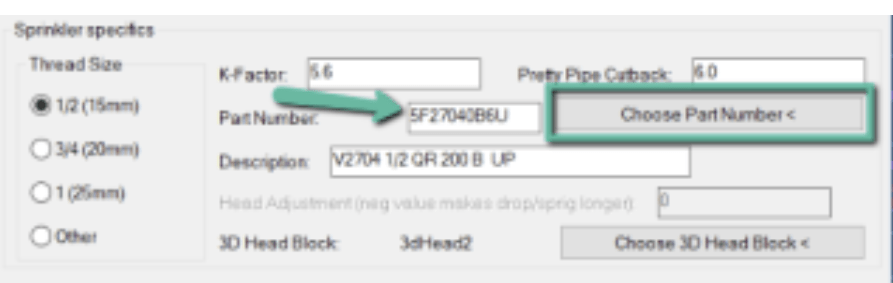
Go through all the usual steps to properly set up your sprinklers in the drawing, including choosing the part number.

After AutoList, you get something like this in HydraLIST, because the part number is not in the database

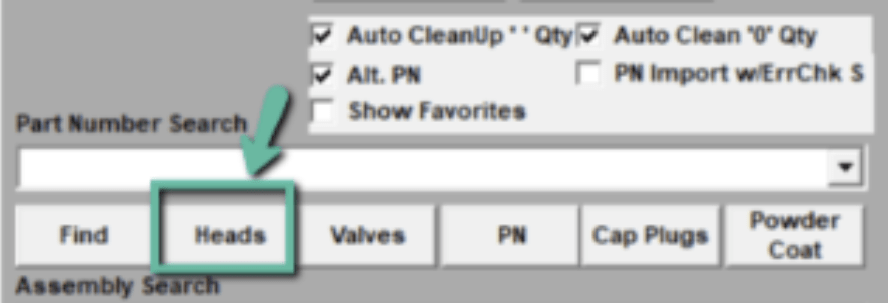
To get these heads into the database, you need to be in HydraLIST. Choose the sprinkler head again, using the Heads button

This time, you will have the option to add the head to the database, after you pick the Collect Selected Head Data button
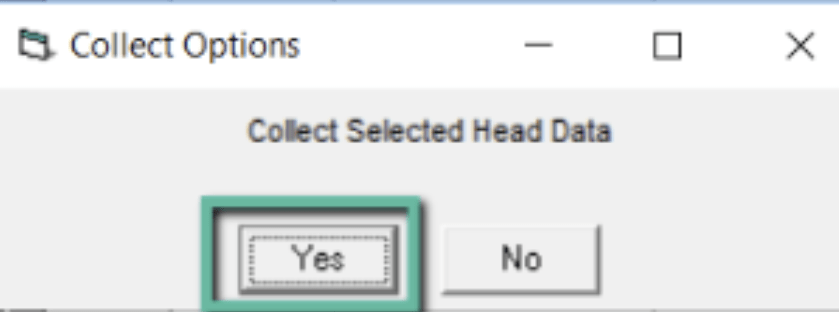
You will see a series of two dialog boxes. Answer in the affirmative
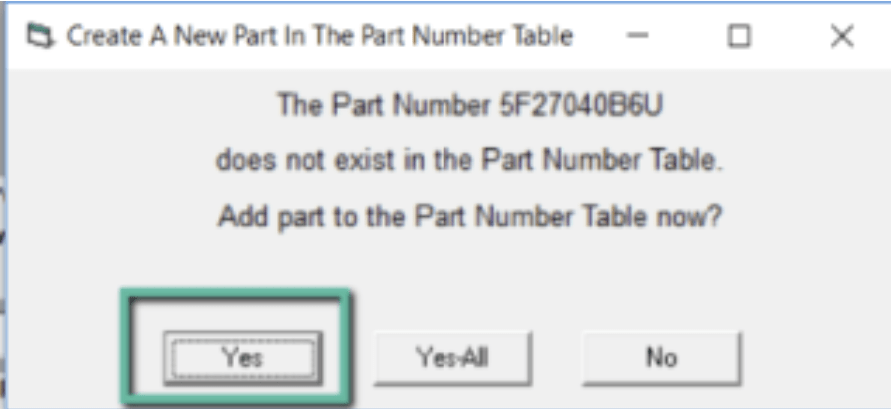
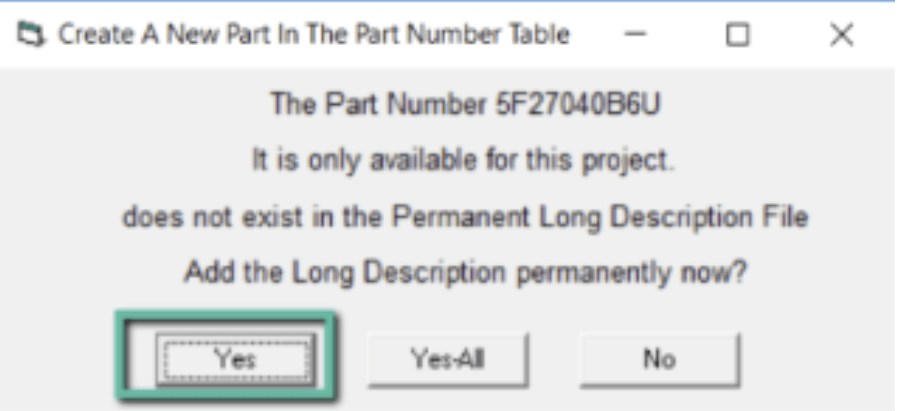
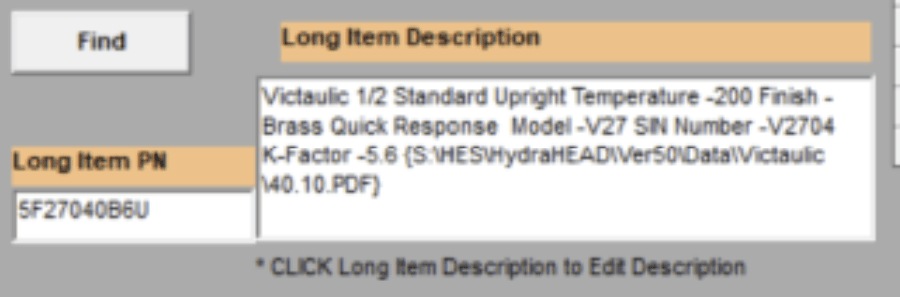
The part will be added to the database and ready to use as well as the long description

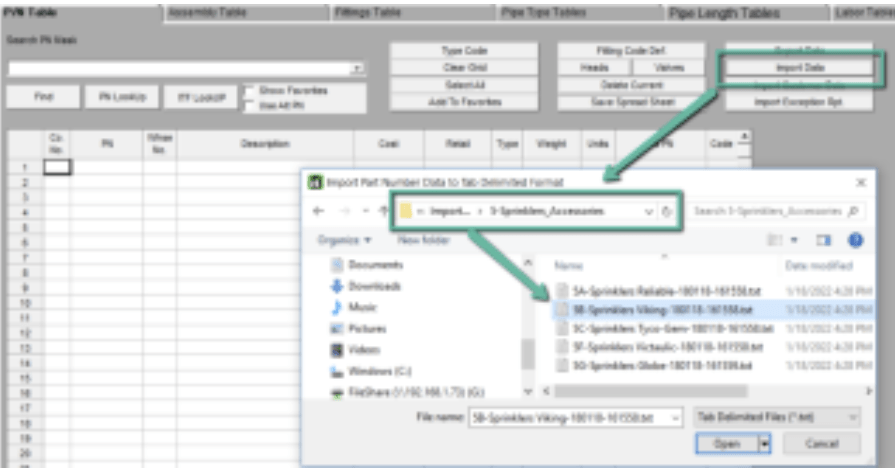
This will take care of individual sprinkler types. To build part numbers for all heads of a specific manufacturer, you can use the HydraLIST database Import function

    To share with others and distribute around the office: Copy the \HES\Hydlist\Ver50\Data\Setup folder from computer to computer, or copy just these two files:

    Posted in ,

    Leave a comment