

Our live HydraCARDs Knowledge Base contains a database that is updated automatically as soon as we update or create them!
Accessing
Most of our update and installs now include a shortcut to the web address for HydraCARDs. Further, HydraCAD, HydraCALC and Hydratec for Revit all link to this new database. However, no actual software is required to access the new HydraCARDs. All you need to do is to point your browser at https://hydracards.hydracad.com/
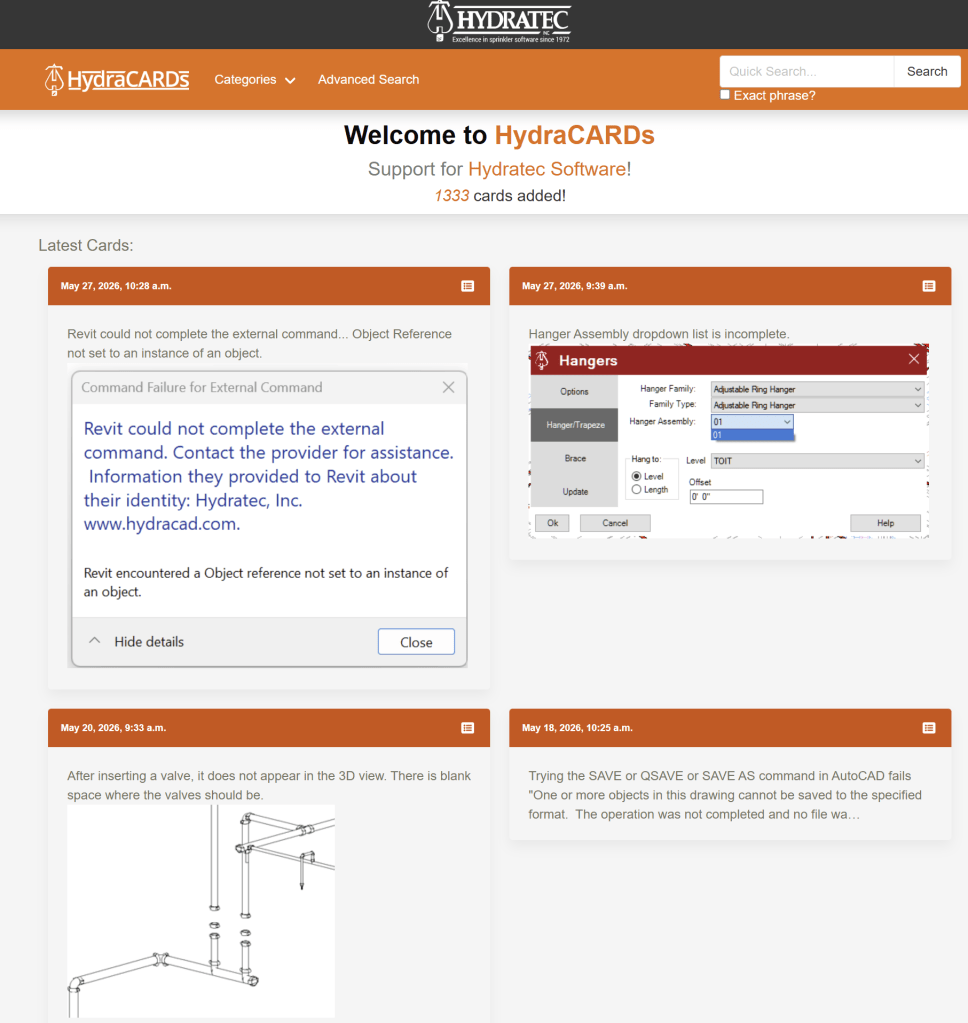
Once there, you will see an easy to read and use the Knowledge Base. The most current cards will be featured right up top.
Browsing by Program
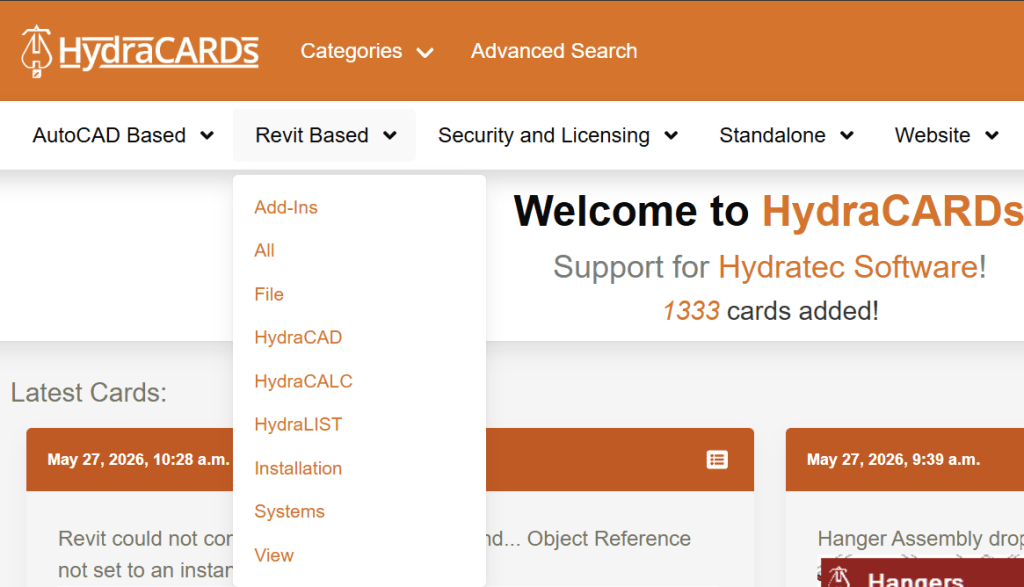
Picking the Categories drop down menu will let you see all the cards pertaining to that program
This will display a page that shows all the cards for that program. The total number of cards is at the upper left. The Page drop down will let you skip ahead. The Next button will go to the next group of cards.
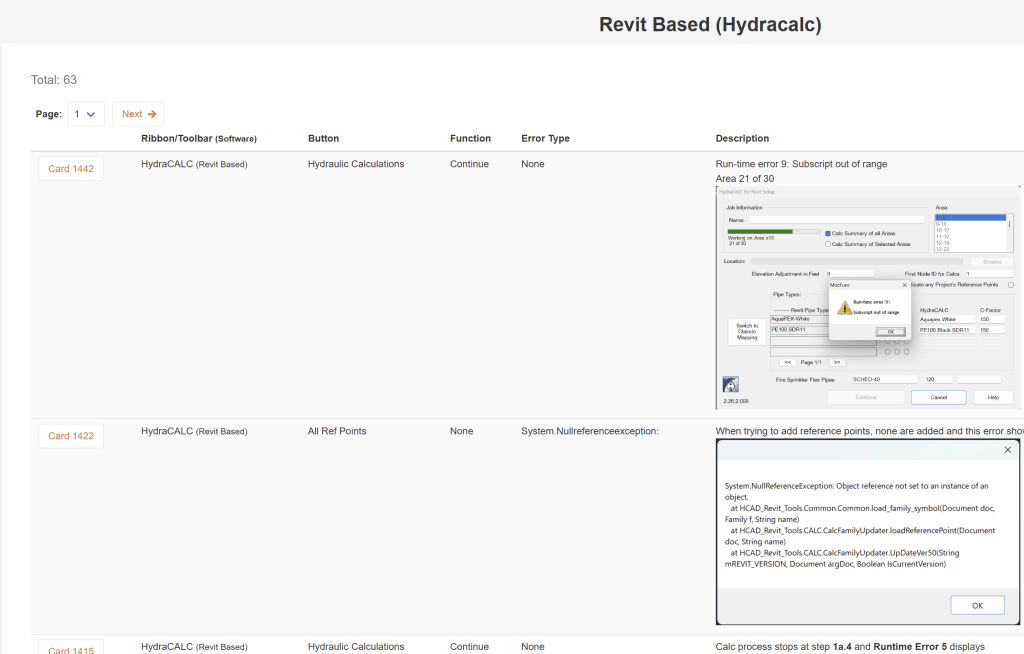
The View button at right will open the error card for that one. Notice that cards may include graphics and hyperlinks, making them easy to use.
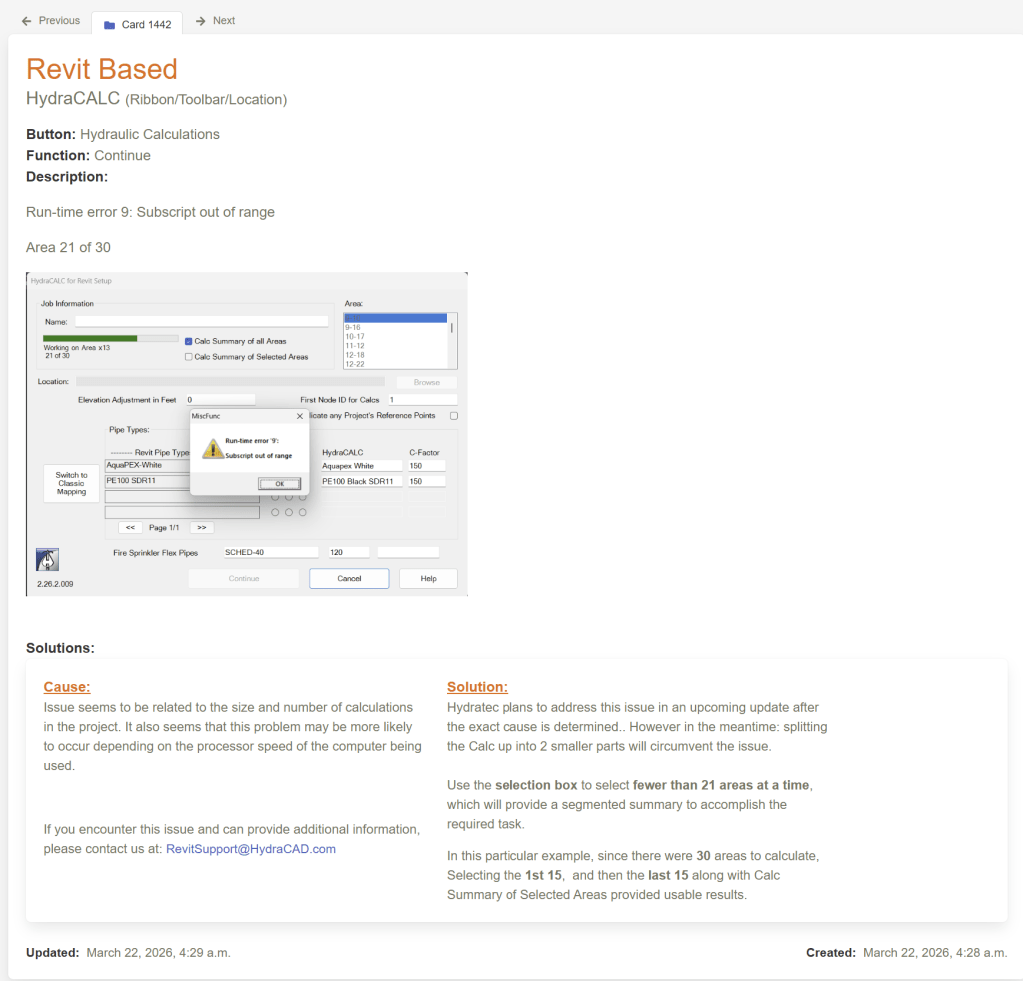
Saving Your Favorites
If you find a card that helps you, it is really easy to save it so you can find it again. How?
Notice that each card has it’s own URL:
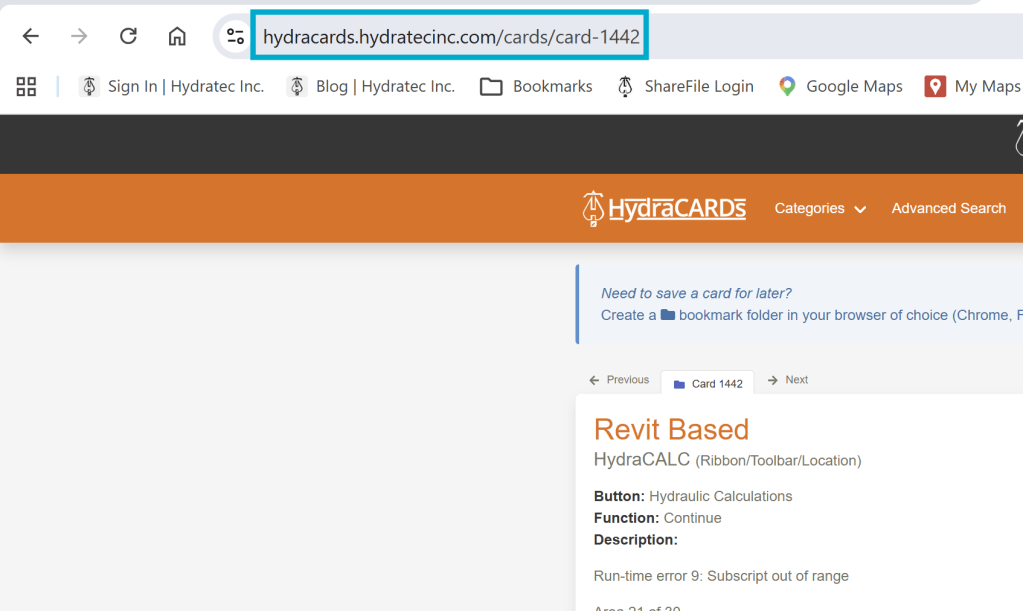
You can save this URL to your Bookmark collections in your Browser.


Leave a Reply