

Most users do not realize that HydraCALC has long had the ability for users to look at the tech data sheets for pipe, fittings and curves. These are accessed through the Alter Pipe and Fittings command in the Utilities drop down menu.
To view the tech data sheets:
- Pick the Utilities drop down menu
- Pick Alter Pipe and Fittings
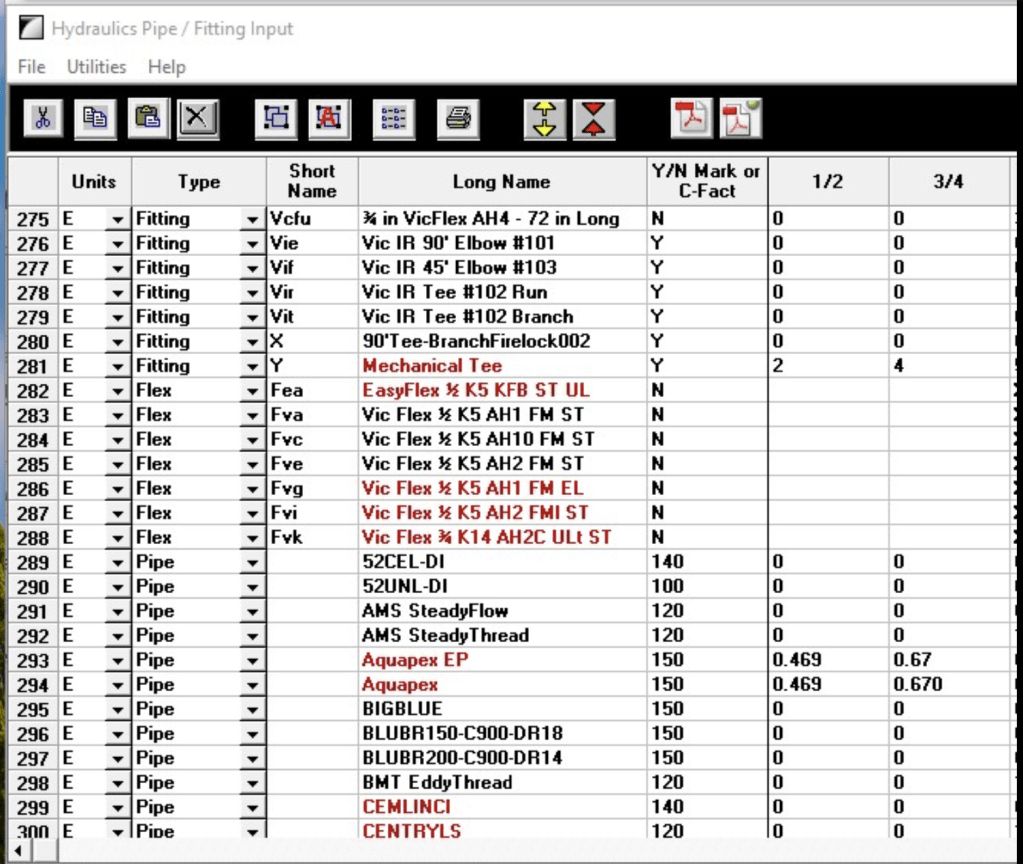
You will see some items in black and some in red. the black ones have PDF tech data sheets assigned to them, the red do not (yet).
To view the tech sheet
3. Select the item you want to view the sheet for (I usually select the number at the far left, to avoid making data changes.
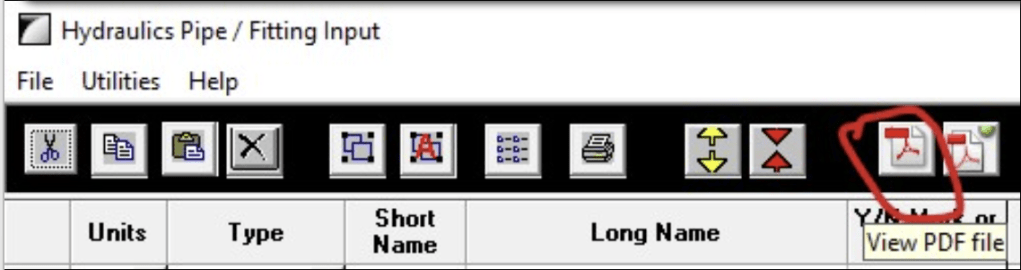
4. Pick the View PDF button (second from right)
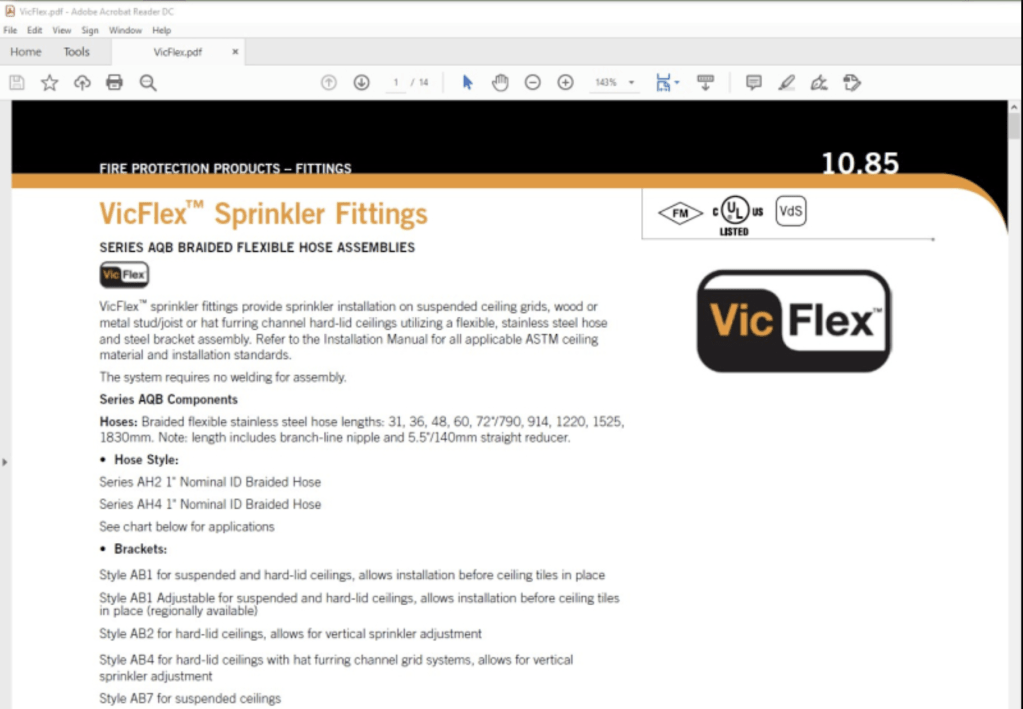
This brings up the tech data sheet!
Notes
Note 1: If you do not see fittings that appear here, or are looking for updated or new ones, you can download the latest from our Support Site or run the latest HydraCALC Update. You will be given an option to update your system with the latest data
Note 2: Users have the ability to reference their own data sheets and add ones as well. However, the tool we include for this can be complex and hard to work with. So, please feel free to ask us to update or add tech data sheets for any items you use or find incorrect. Thanks!
More info:
To see how to reference fittings, here is a blog post showing an example. Again, feel free to ask us to add the fittings for you: How to Add Fittings in HydraCALC
To see how to add new pump or device curves, see this: Creating Pressure Curves in HydraCALC
To see how to have pipe types show up in the pipe selection window, see this: Choosing which Pipe Types appear in HydraCALC


Leave a comment