

Want to make your own symbols? Easy
Want to use the same symbol for two different temperature heads? Easy
The answers all come down to the same thing. The second one albeit a little differently. And…a trick concerning the word ‘same’
The answer is to start with an existing HydraCAD head, making changes to it (or not) and saving it.
HydraCAD heads are stored in the \HES\HydraCAD\Ver50\Programs\heads folder by default. (you can specify a central location as well per this post: Specify a Central Location for Sprinkler Heads)
To make a new symbol follow these easy steps
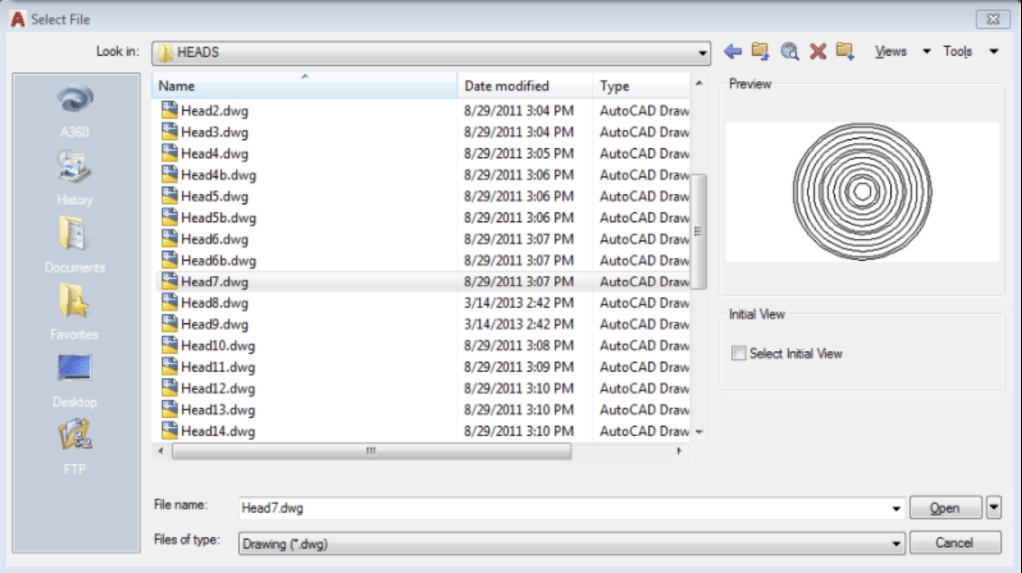
- Open the head drawing most similar to the one you want (ie HEAD1, HEAD2, HEAD15)
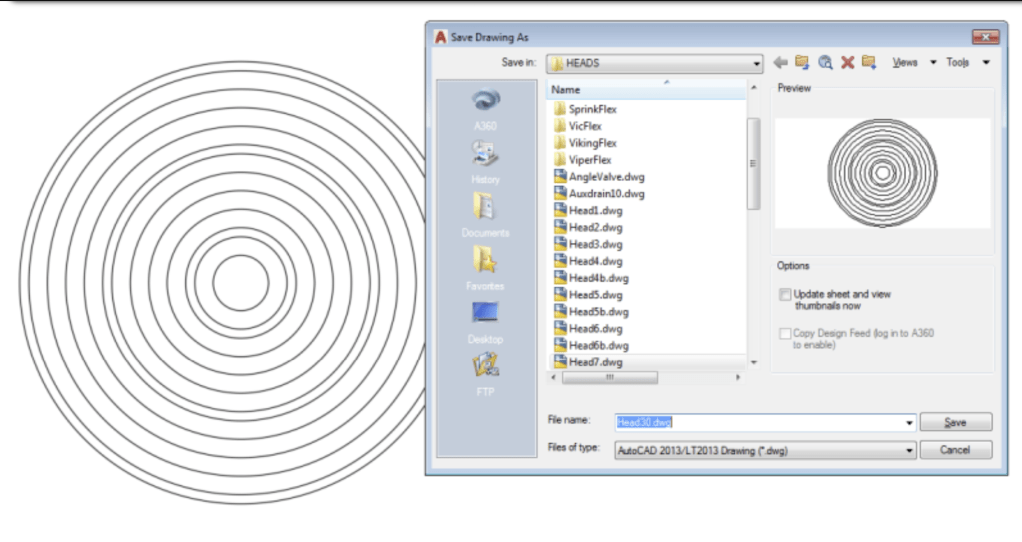
- Using SaveAs, give the drawing a new name
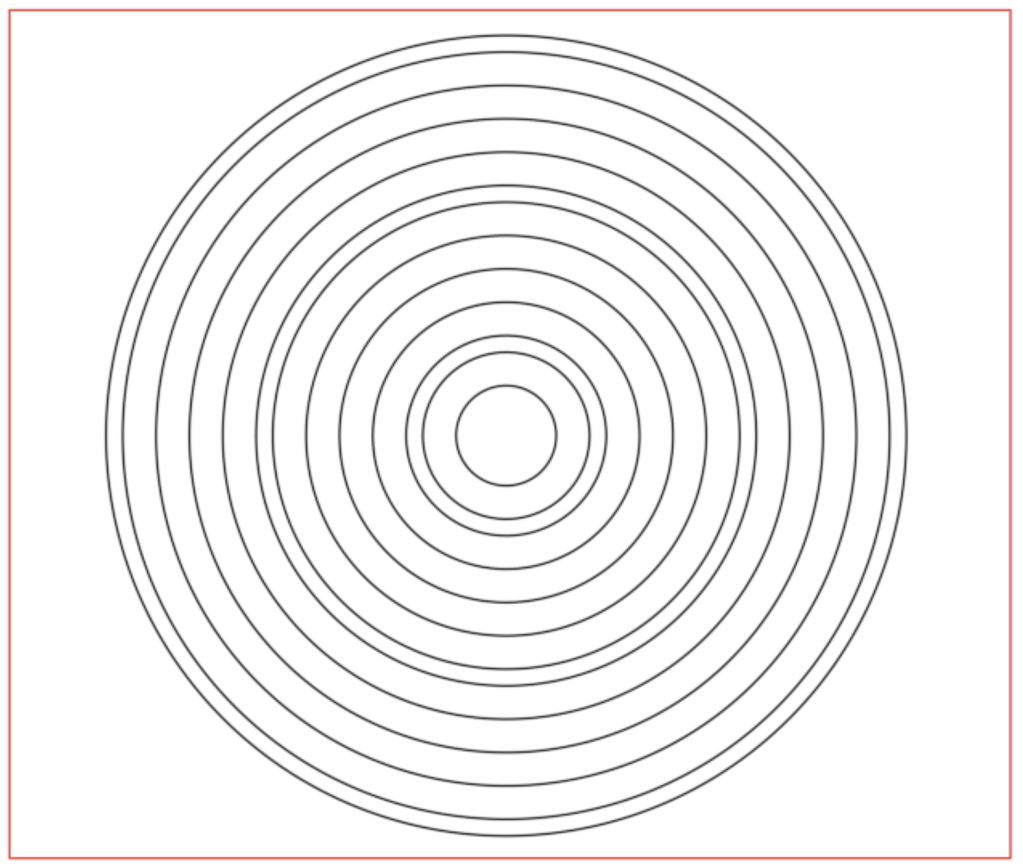
- Change the symbol as desired and save it
Example – Making a new head symbol
1. Open HEAD7
2. Immediately SaveAs HEAD30 (immediately, so that you don’t save over the original!)
3. Make Changes to head, as desired and Save it
The ‘trick’ concerning wanting to use the same symbol for two like heads, but of different temperatures is as follows:
Example – Using the same symbol for two different temperature heads
1. Open HEAD7
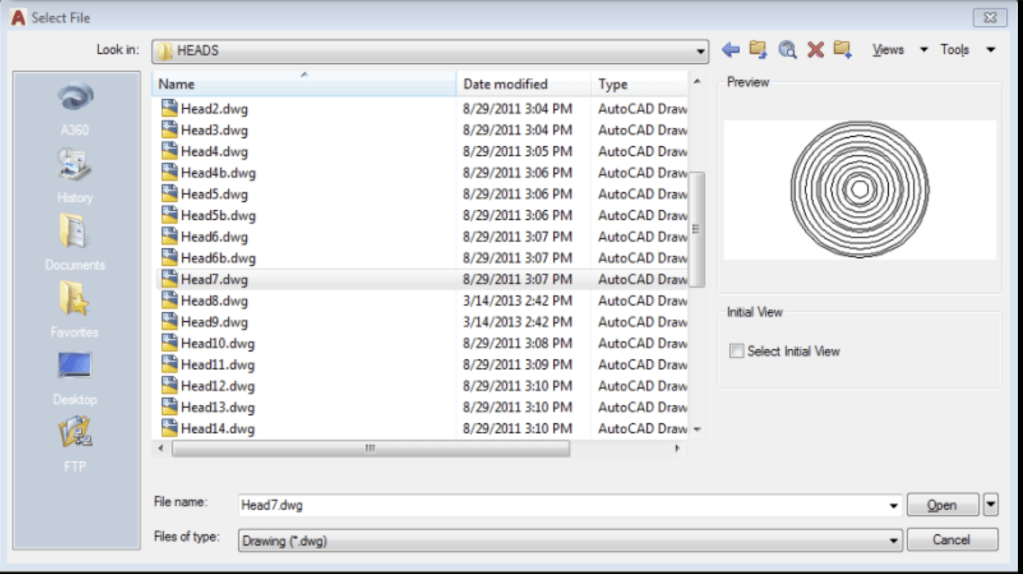
2. Immediately SaveAs HEAD7A
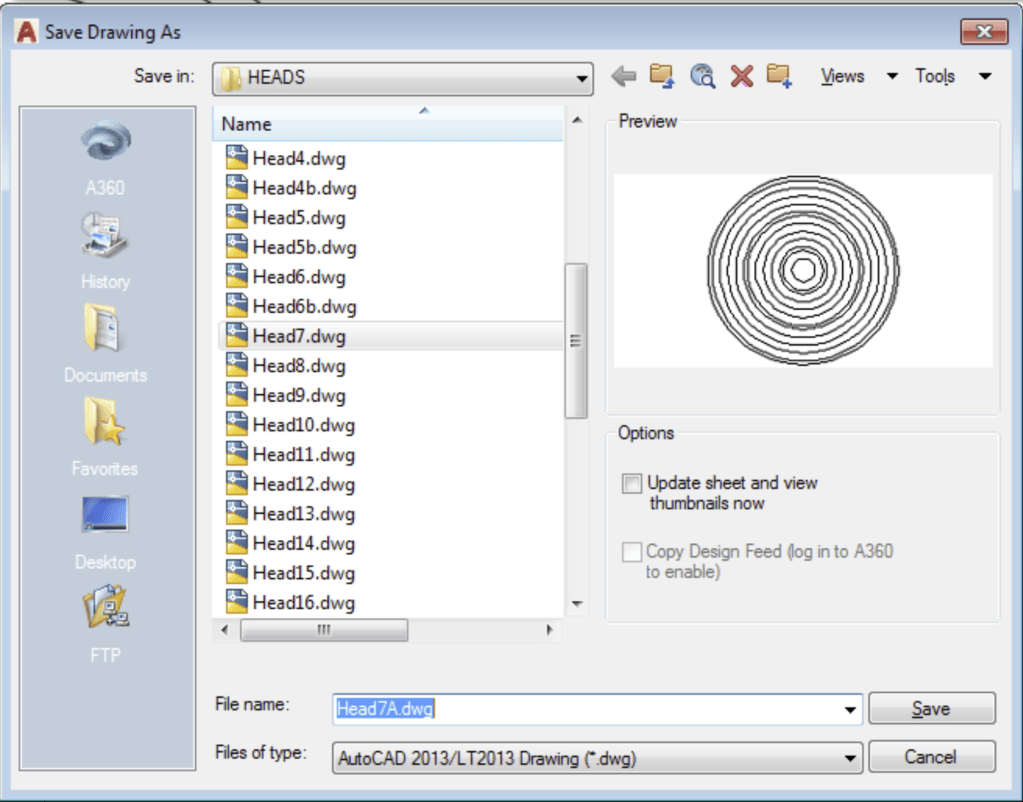
That’s it! When you are defining sprinkler heads, just define one as 165º and the other as 212º (or whatever)


Leave a Reply