

A customer asked last week: How do I properly use a 4×3 Bell Reducer so that it lists correctly?
The answer, according to my co-worker Bill McKenna:
1. A coupling should already be on the pipe intersection where the diameters are changing

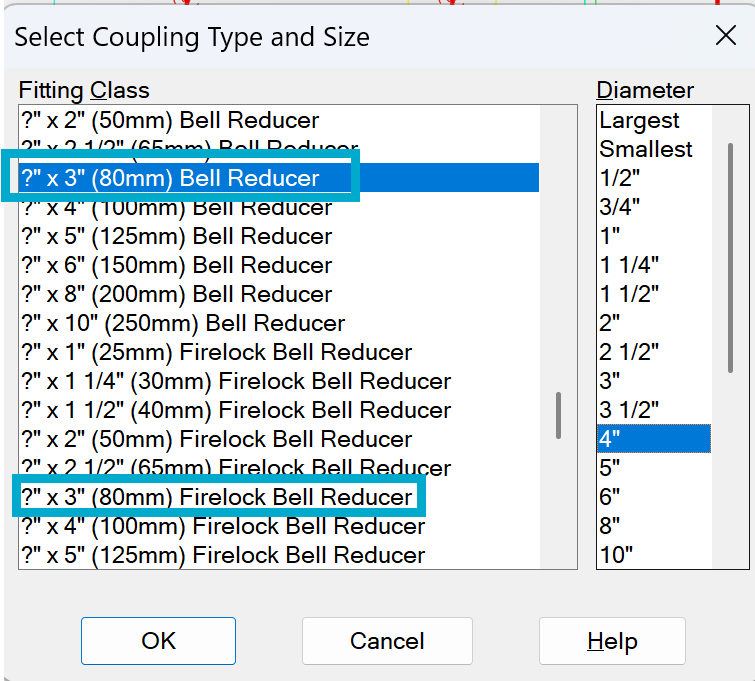
2. Select the coupling type required for the Bell Reducer being used:
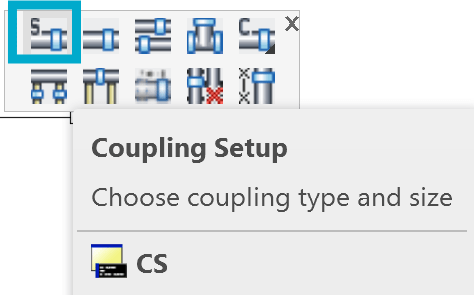
The Diameter selected at right will fill in the ? mark – IE picking 4″ will complete the 4 x 3 Reducers
3. Use Single Coupling to insert the Bell Reducer
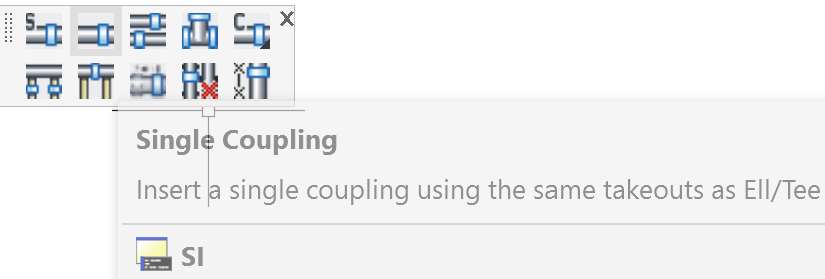
Select the SMALLER diameter pipe for the insert. A coupling should already be on the pipe intersection where the diameters are changing. The command will break the pipe selected and add a block representing the reducer and a coupling.

Result: An OVERRIDE block will also be inserted. The 0′-3″ long pipe inside the reducer will not be included in the stocklist created by AutoList.
Note: The diameter found in the reducer should be the larger of the two sizes. The point of the reducer should always be towards the smaller diameter pipe.

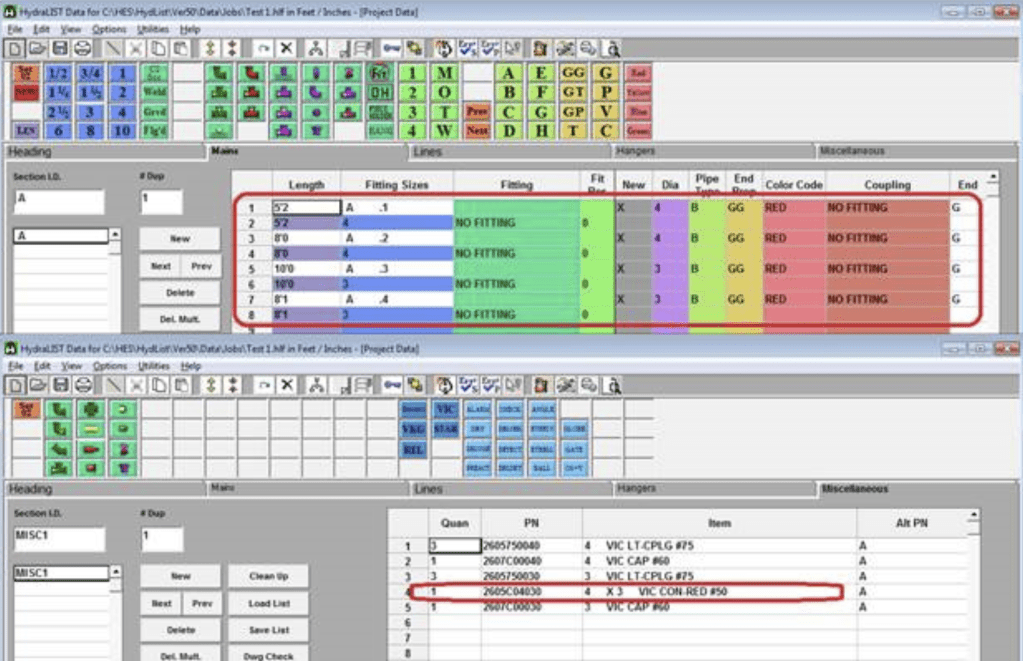
In HydraLIST:


Leave a Reply