

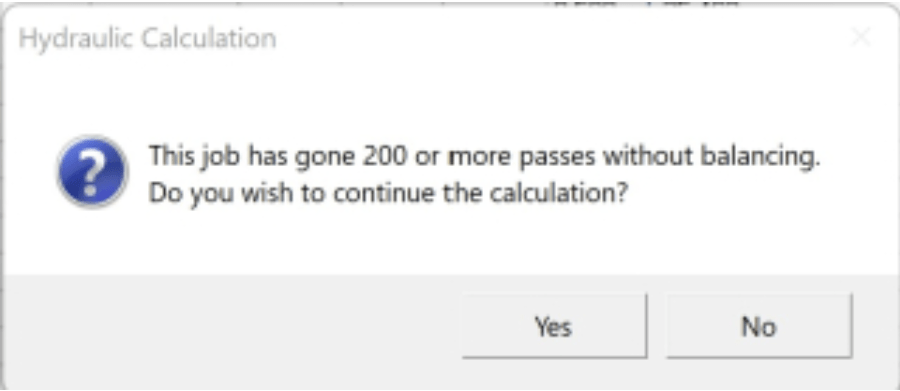
Occasionally users may get a ‘Job has gone 200 or more passes without balancing.” error message. This means, usually, that there are disconnected pipes in the job (pipes that may have flow in them, but do not connect to the piping between the Remote Point). You can try picking Yes to have it continue to try, but that usually doesn’t work to resolve the situation.
Take a look at the calculation below. If you look long enough, and trace the piping, you can see what wrong.
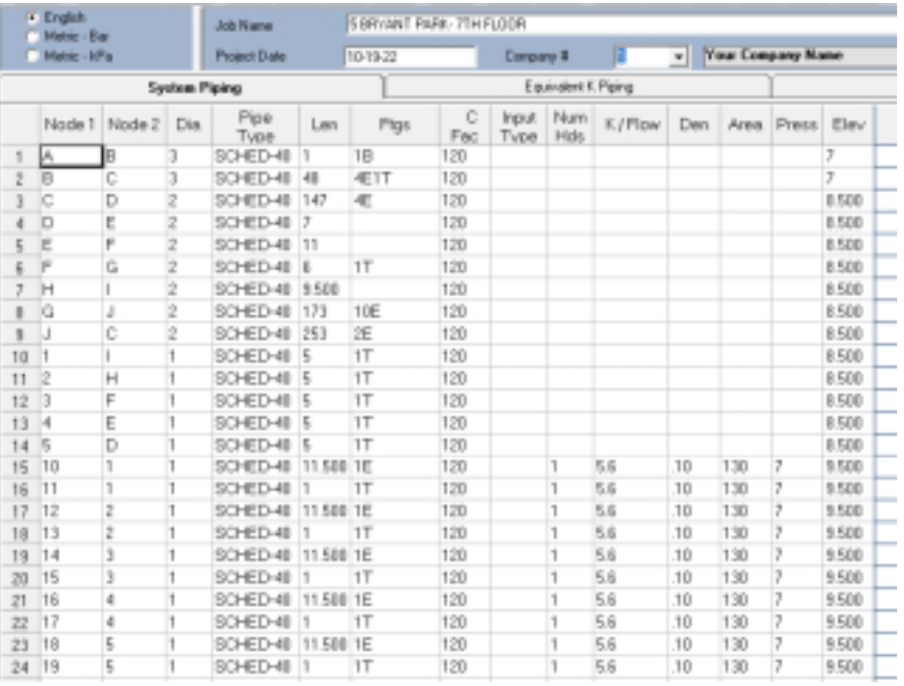
In a bigger job, however, that can be difficult. But there is a tool to help.
In the Utilities dropdown menu, the tool is Find Special Disconnect
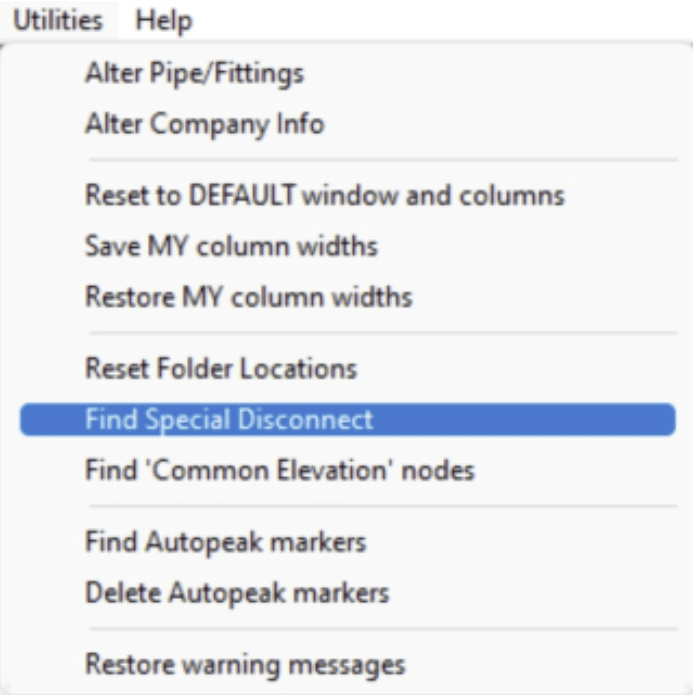
Select it, and you will be given a dialog with a few options. Select the Show Disconnected option and then pick Find Disconnects. This should notify you of the ‘orphaned’ pipe. In the capture below, it appears a block of piping related to reference point H and reference point I is a bit adrift.
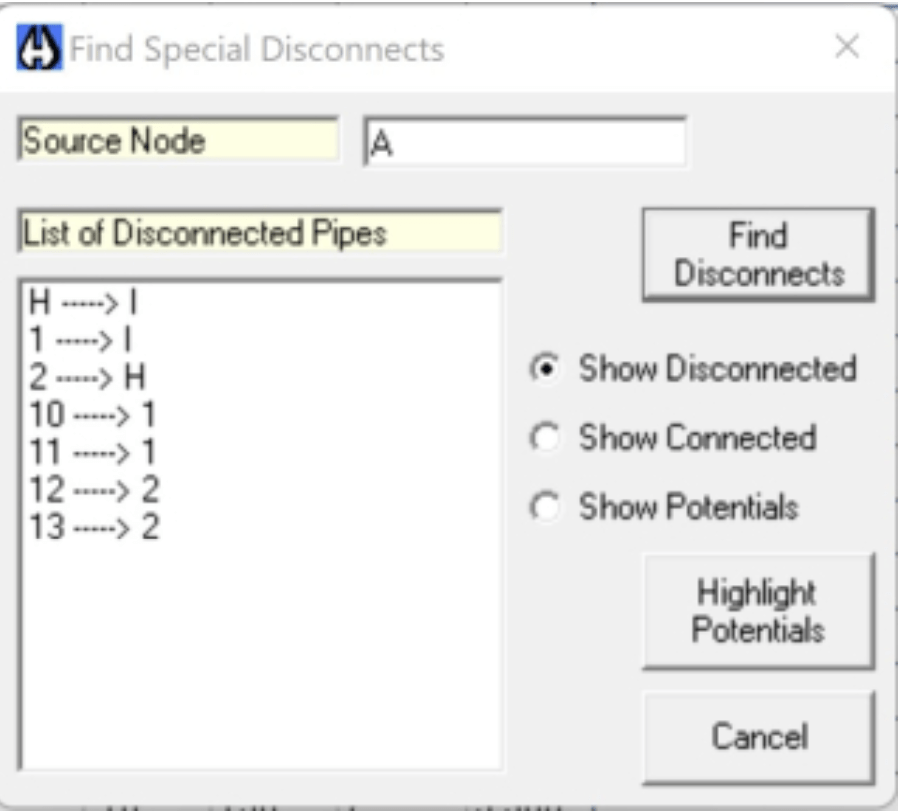
Another tool is the Show Potentials option. Selecting that gives a list of nodes that might need to be connected to the rest
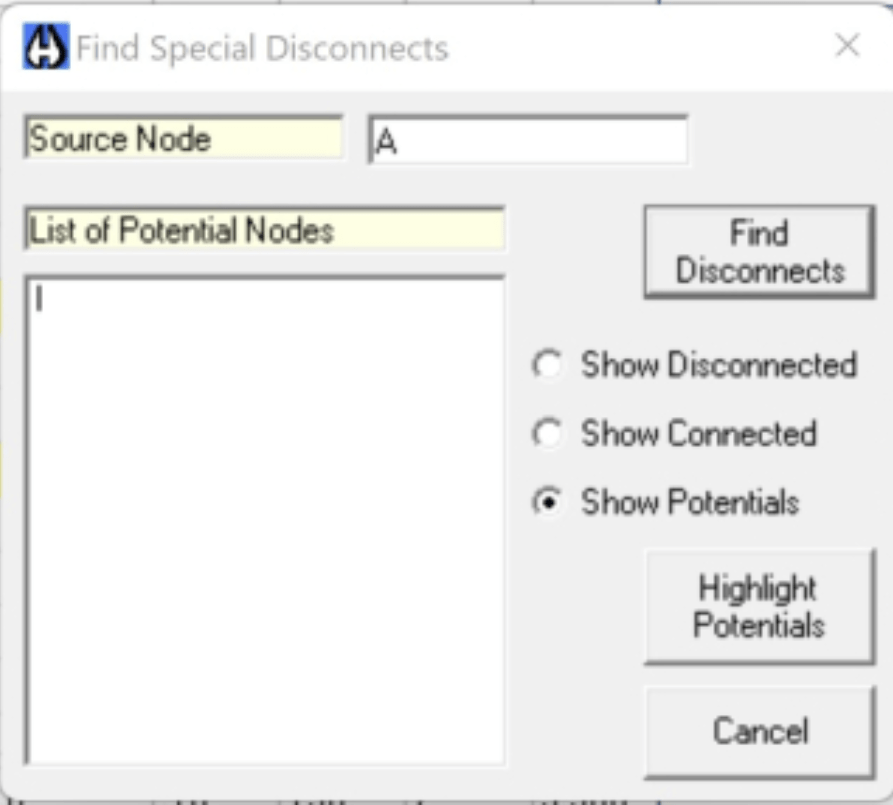
Picking the Highlight Potentials button displays this graphically, to help you see better where the piping in question lies.
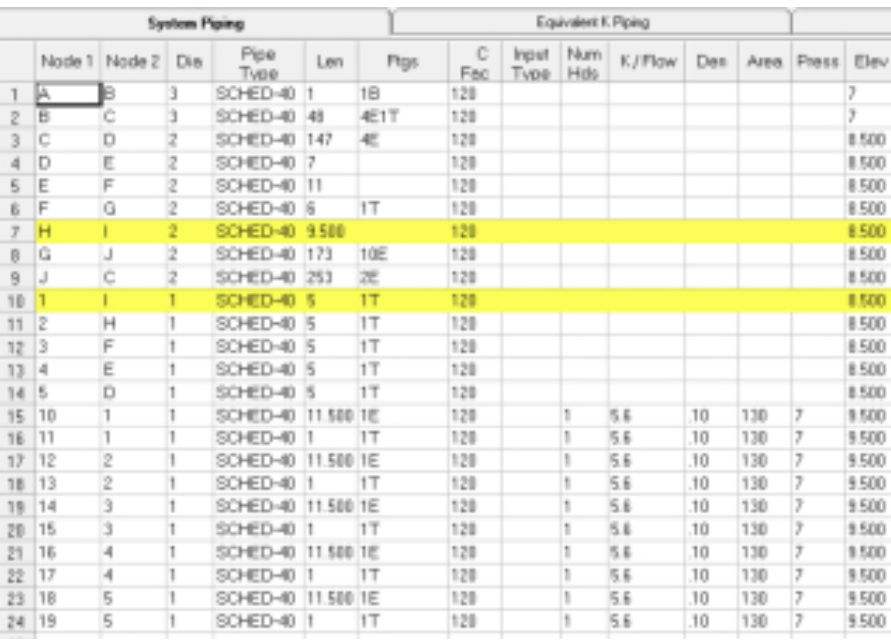
Adding a pipe that connects G and H will resolve the problem.
Note: There are other reasons to get the original error, but our programmers have resolved a few of them, so they should not present themselves on your machine.


Leave a Reply