

From a customer:
“I am trying to create a Trimble point layout for my beam clamps only. Is there anyway to isolate the #01 Hangers from the #05 Hangers?”
While there isn’t a direct way, there is an indirect one. There is a way to grab a selection set based on an attribute value. This involves one of my favorite commands: FIND
Type in FIND. Press Enter
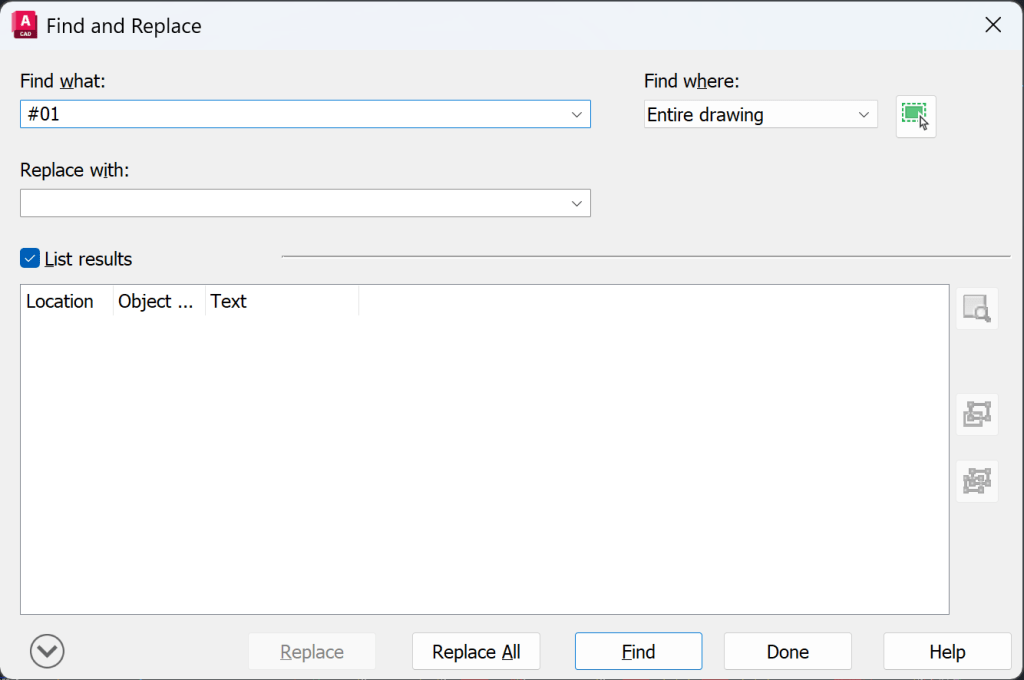
Check the List results check box. This opens up the bottom half of the above dialog
Type #01 in the Find what: edit field. Hangers are easy because of the formatting of the text, there isn’t any other text that looks like #01
Pick the Find button. This gives you a count of the values that match your search string
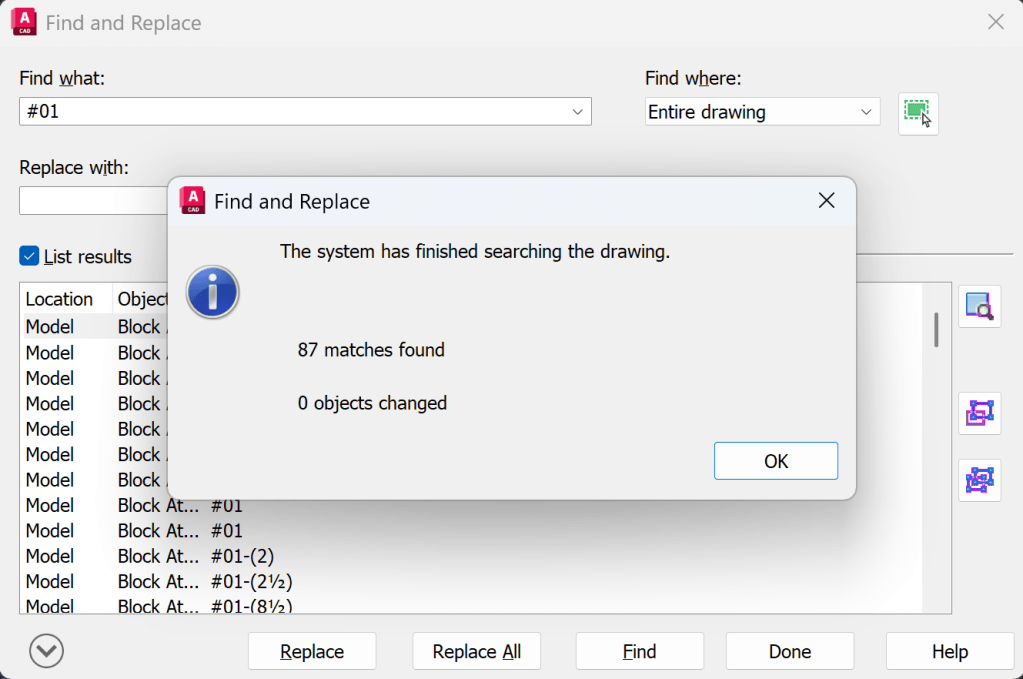
Pick OK
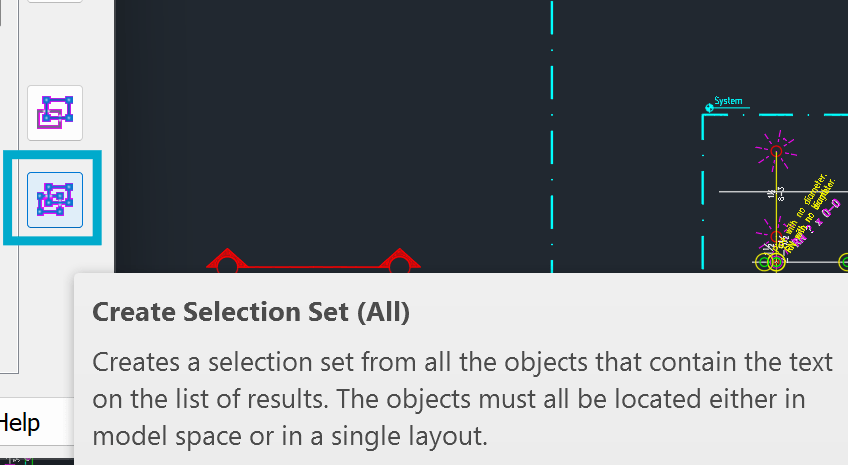
Pick the Create Selection Set (All) button at right. You can also select individual items from the list and pick the Create Selection Set (Highlighted) if you need to fine-tune which blocks get selected
This gives you a selection set of all the items that have the string #01 in them, zoomed in
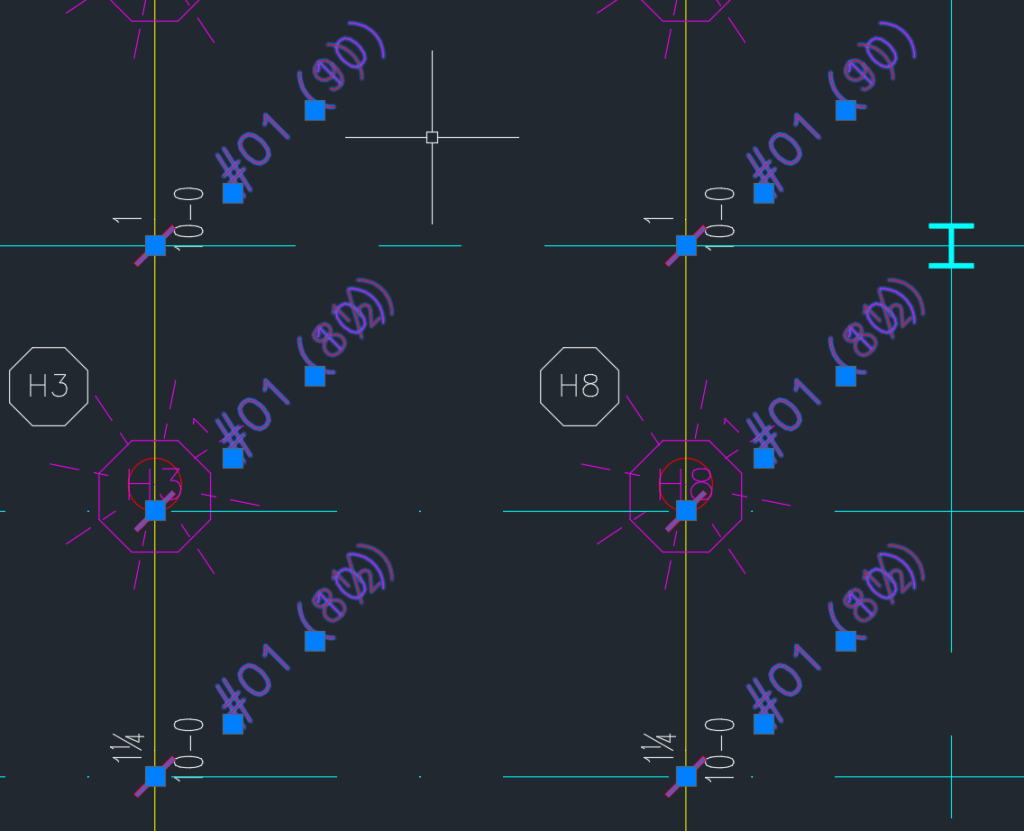
You could then move these objects outside the boundary, by a specified amount and moving them back again when you need to
Please also see this post on how to change Hanger numbers for already inserted hangers: Changing Hanger Numbers


Leave a Reply