The H-Factor

Reducing Entropy

Recent Posts

Welcome

Recently our previous blog service (Typepad) ended their business – so, we have a new home. It will take a bit to get images back and displaying properly, but we are working on it! Final pageview count of original Typepad blog: 387,232

Using a Non-Standard Pipe Type in HydraCALC

A customer called today asking how to enter a 1″ black plastic underground pipe for the calc. This particular situation sounded unique enough that I did not tell him to add that pipe type to our database, as I would have if he expected to see this pipe type used repeatedly. I told him to…

Using the Hydratec Software Download Area

Hydratec uses ShareFile to distribute our software installs and updates. New customers, or those without access, must request access to be able to get at these downloads. Access is only available to customers with a Hydratec subscription or those on an update plan. You can access the download area and request access by picking the…

January 2020
M T W T F S S
 12345
6789101112
13141516171819
20212223242526
2728293031  

Want to keep riser nipples from showing both center and cut length when plotting? Tried to freeze or turn off layers?
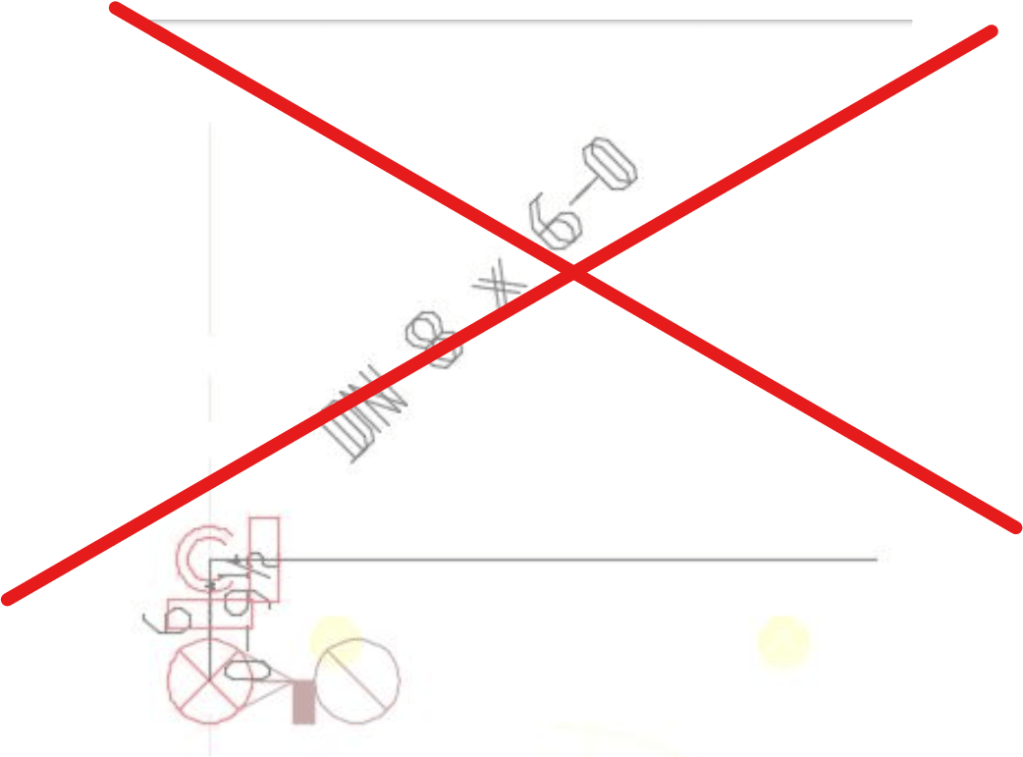
AutoCAD has a newish feature that will help you do just this. Its call VP Freeze for Viewport Freeze.

Open the Layer palette. Find the HPipesCGen layer. Click the Square Sun icon in the New VP Freeze column. This will freeze this layer in viewports!
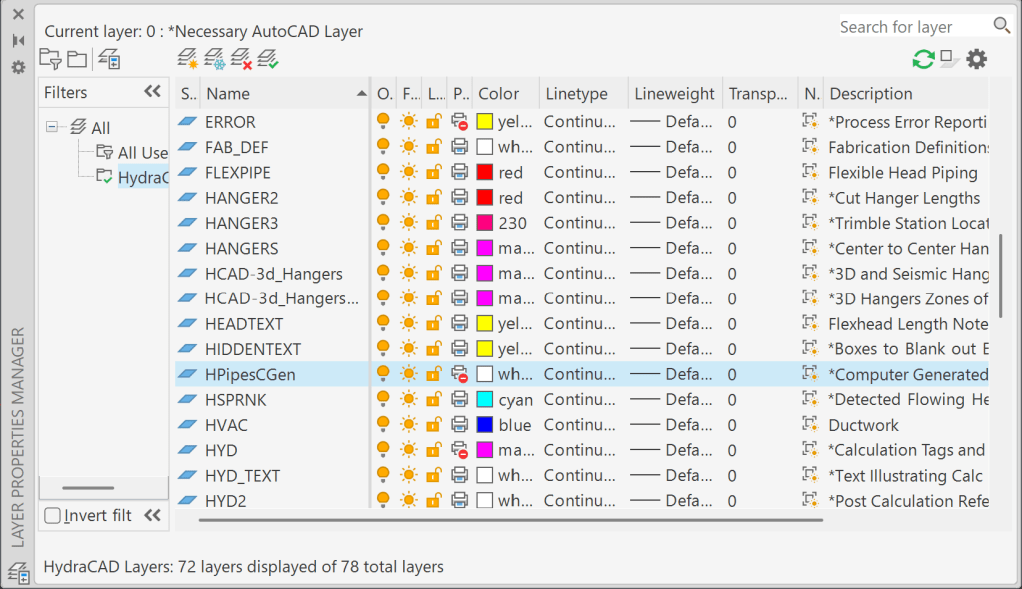
This modification has been added to HydraCAD V56.04 and V55.05. A change made to HydraCAD templates and layer script so that the HPipesCGen layer is set to default this way.


Posted in

Leave a comment