

There are two overhauled commands in AutoCAD 2020 that are used pretty often. One of the is the PURGE command. The other is INSERT, which I will mention in a future post.
A customer had trouble getting the rings and other elements of hangers to show up properly when they ran 3D Hangers. I am still not sure how the problem occurred, but the gist is the hanger rings were somehow defined as other objects. My co-worker, Bill McKenna, suggested that might be the problem, so I used the new Purge command to track them down. Here is how I figured out which blocks were mis-defined and fixed them.
In the drawing, I typed in PURGE. It takes a little while to load up, because it does a great deal of drawing scanning
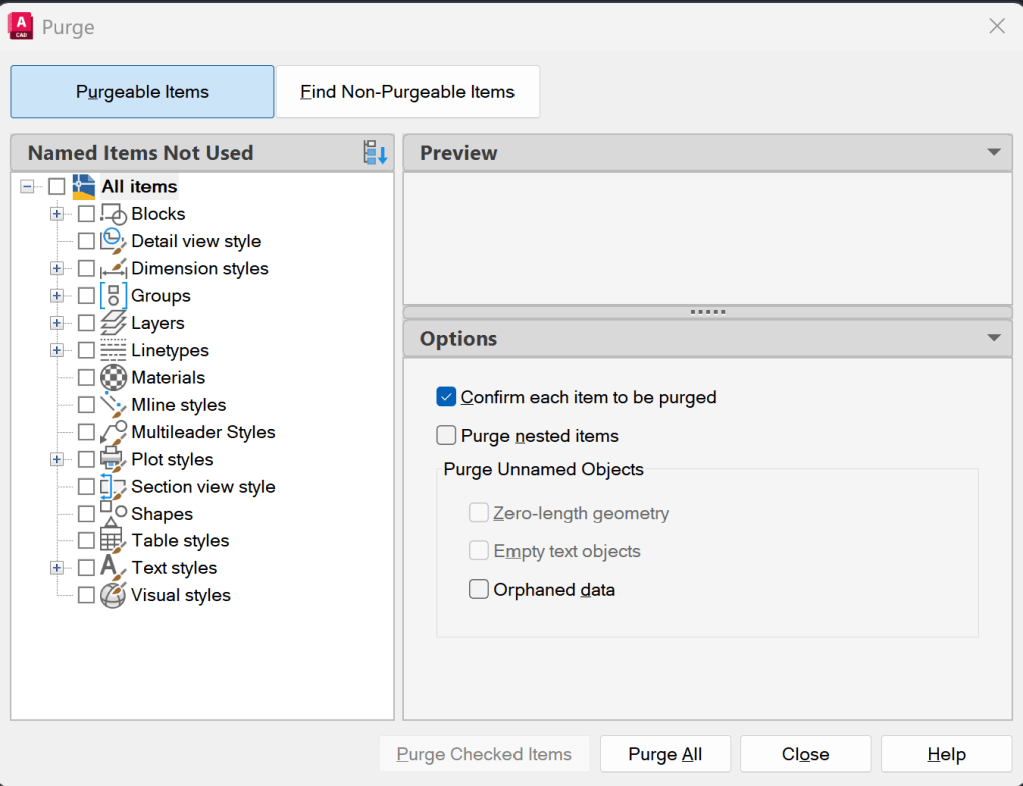
Note the selection tree that shows up. Kind of cool.
I picked Find Non-Purgeable Items to see what Blocks might be candidates
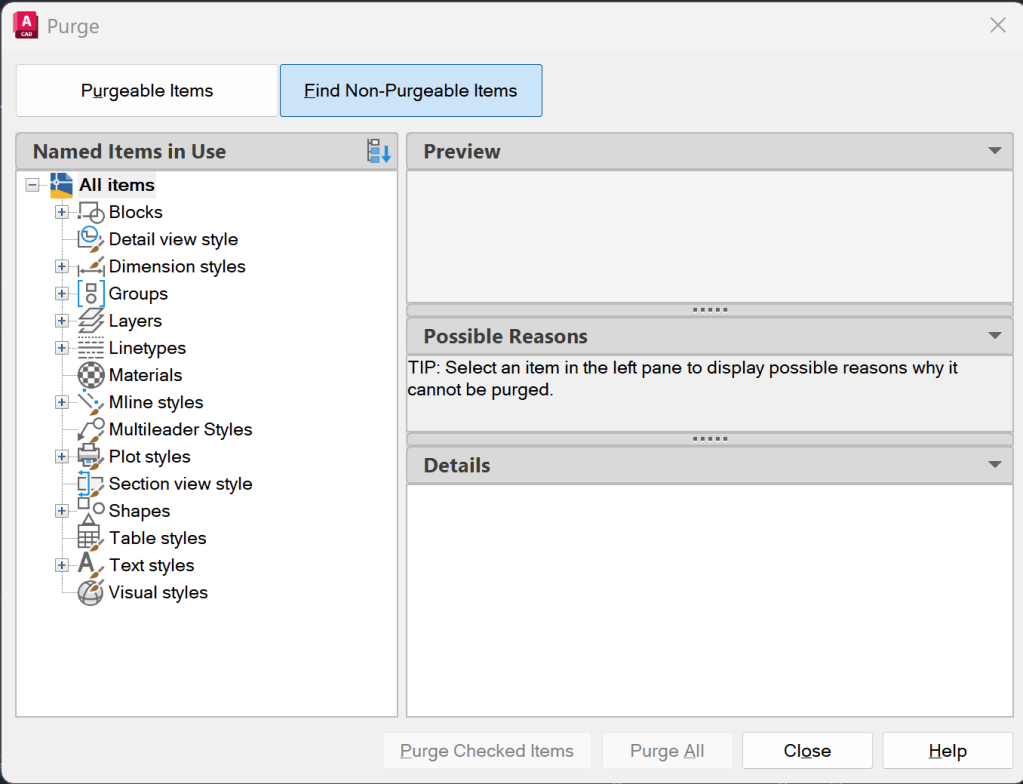
I then picked the + next to Blocks.
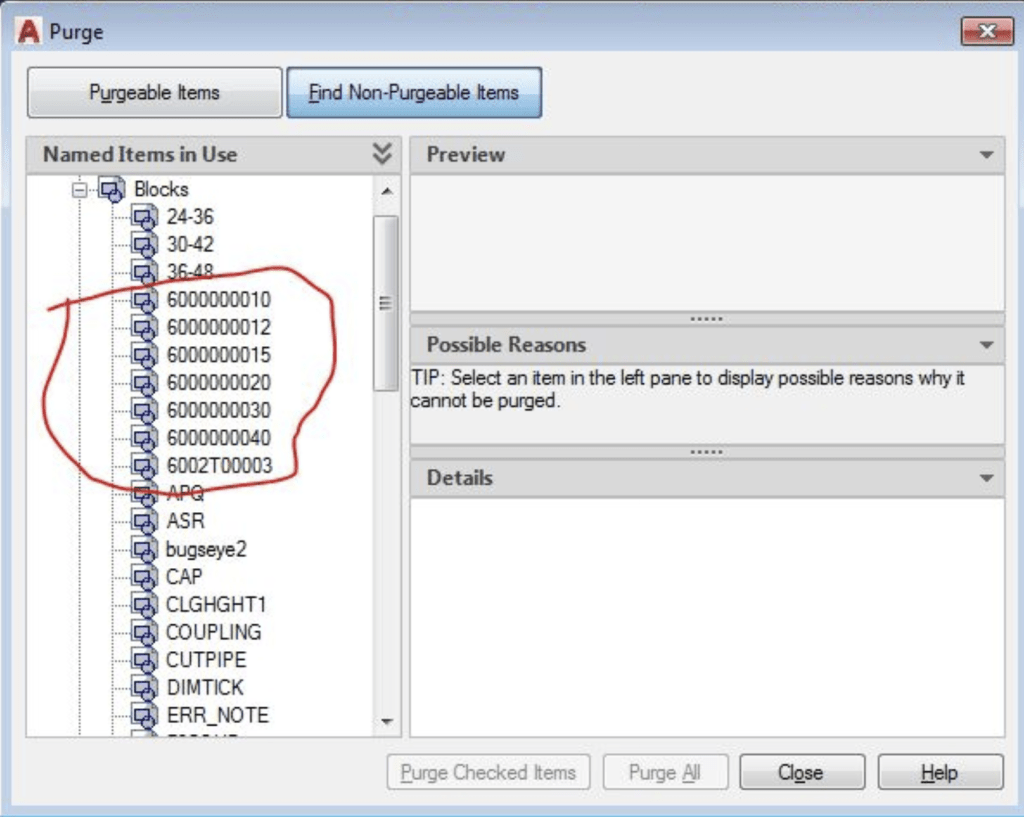
Many of the first few defined blocks really stand out; 60 is the part number category for Hangers, making these likely candidates.
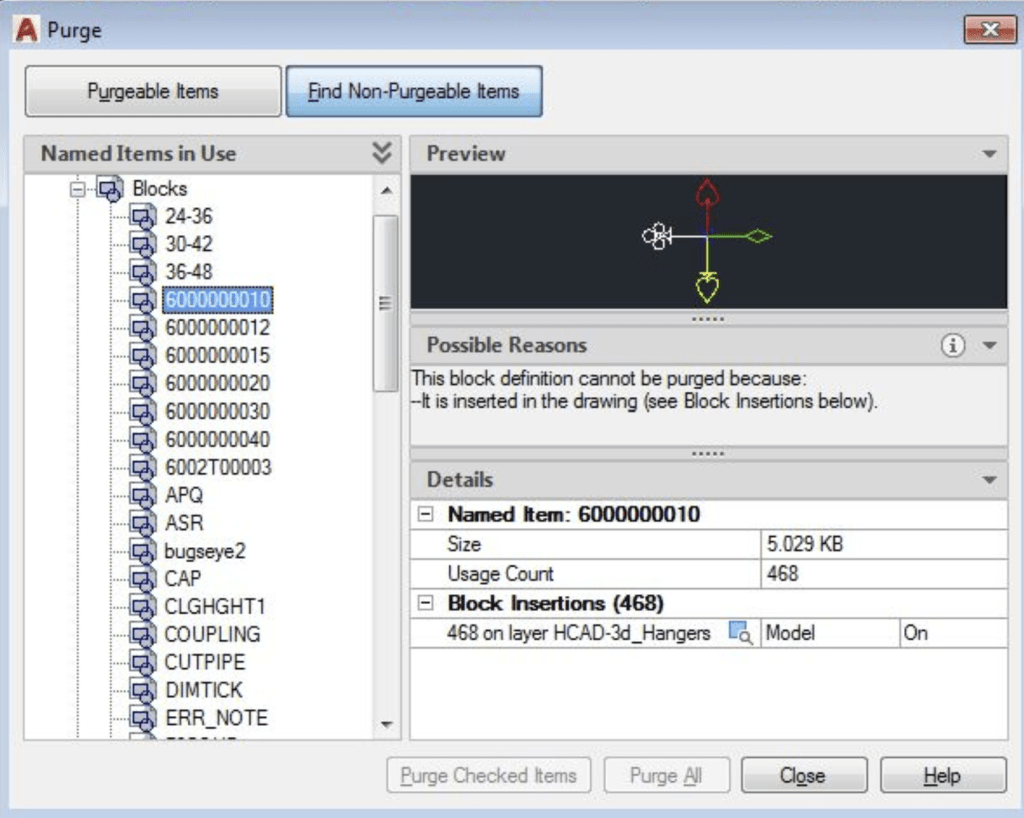
Picking the first one shows what is wrong right away. The hanger ring (10 being 1 inch) is somehow defined as a ski-pole. The solution is to erase all seven ’60’ blocks (one for each size) and purge them out. Except, they cannot be purged because they are inserted in the drawing.
So, I turned all the layers on using the AO (all on) command. I then type in DL for Delete Layer and selected one of the ski-poles inserted where the 3D hanger ring should be. This deleted over 4000 items from the HCAD-3d_Hangers layer.
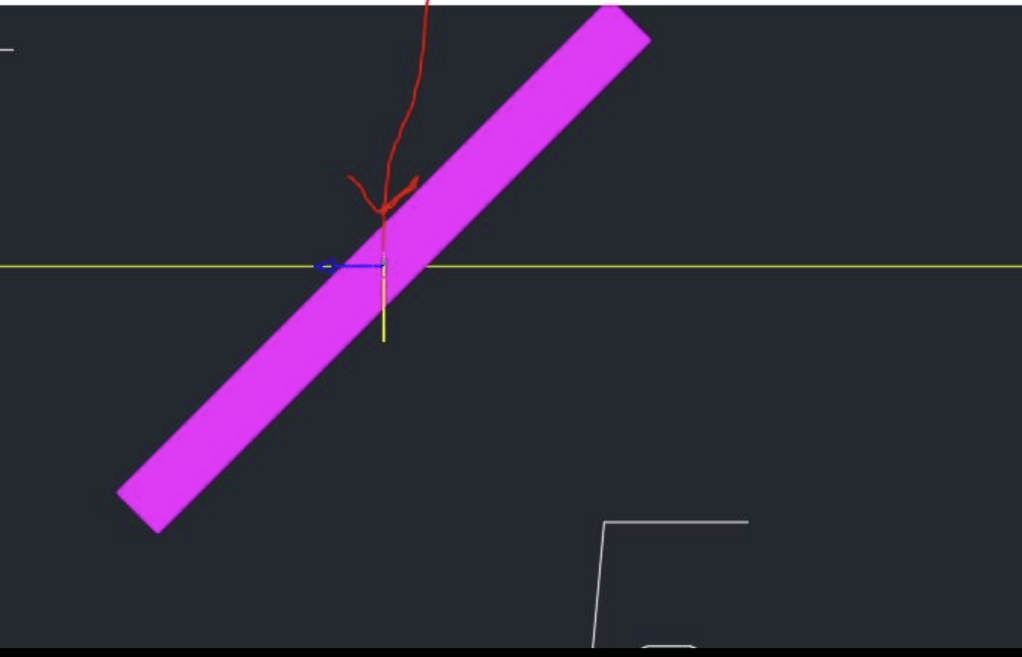
Now I could to a PURGE again and be able to select the mis-defined blocks and purge them.
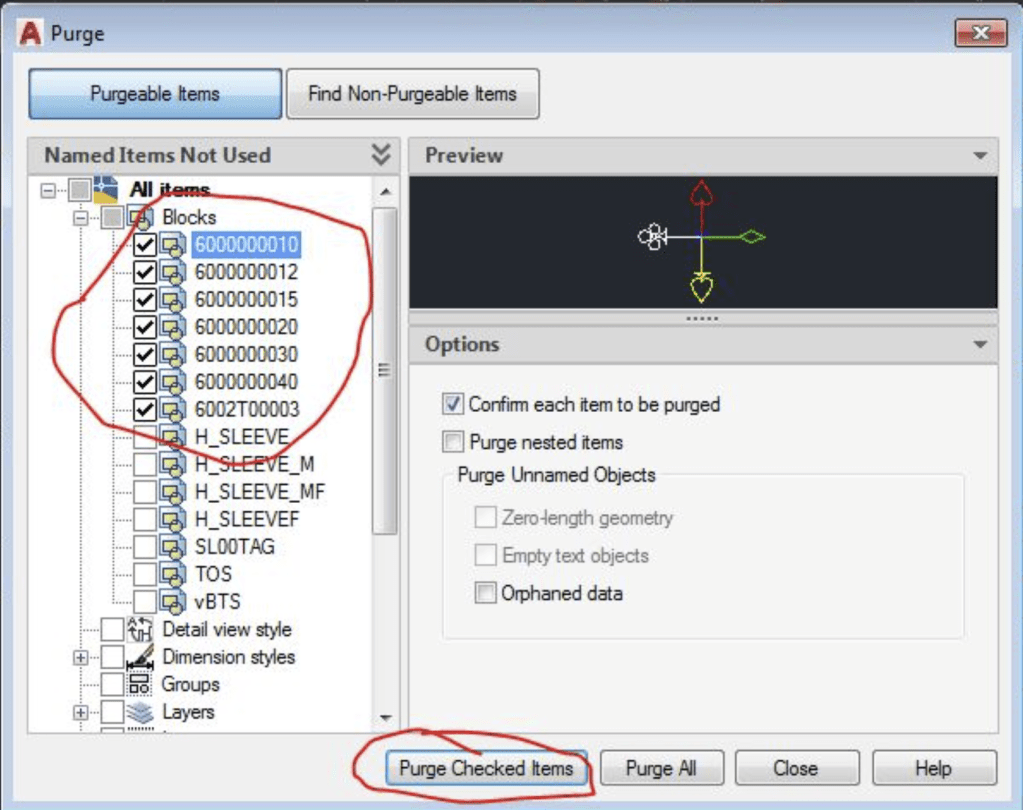
i checked each of the seven ‘bad’ blocks and picked Purge Checked Items. I was now able to create the 3D Hangers properly.


Leave a Reply