The H-Factor

Reducing Entropy

Recent Posts

Welcome

Recently our previous blog service (Typepad) ended their business – so, we have a new home. It will take a bit to get images back and displaying properly, but we are working on it! Final pageview count of original Typepad blog: 387,232

Using a Non-Standard Pipe Type in HydraCALC

A customer called today asking how to enter a 1″ black plastic underground pipe for the calc. This particular situation sounded unique enough that I did not tell him to add that pipe type to our database, as I would have if he expected to see this pipe type used repeatedly. I told him to…

Using the Hydratec Software Download Area

Hydratec uses ShareFile to distribute our software installs and updates. New customers, or those without access, must request access to be able to get at these downloads. Access is only available to customers with a Hydratec subscription or those on an update plan. You can access the download area and request access by picking the…

March 2015
M T W T F S S
 1
2345678
9101112131415
16171819202122
23242526272829
3031  

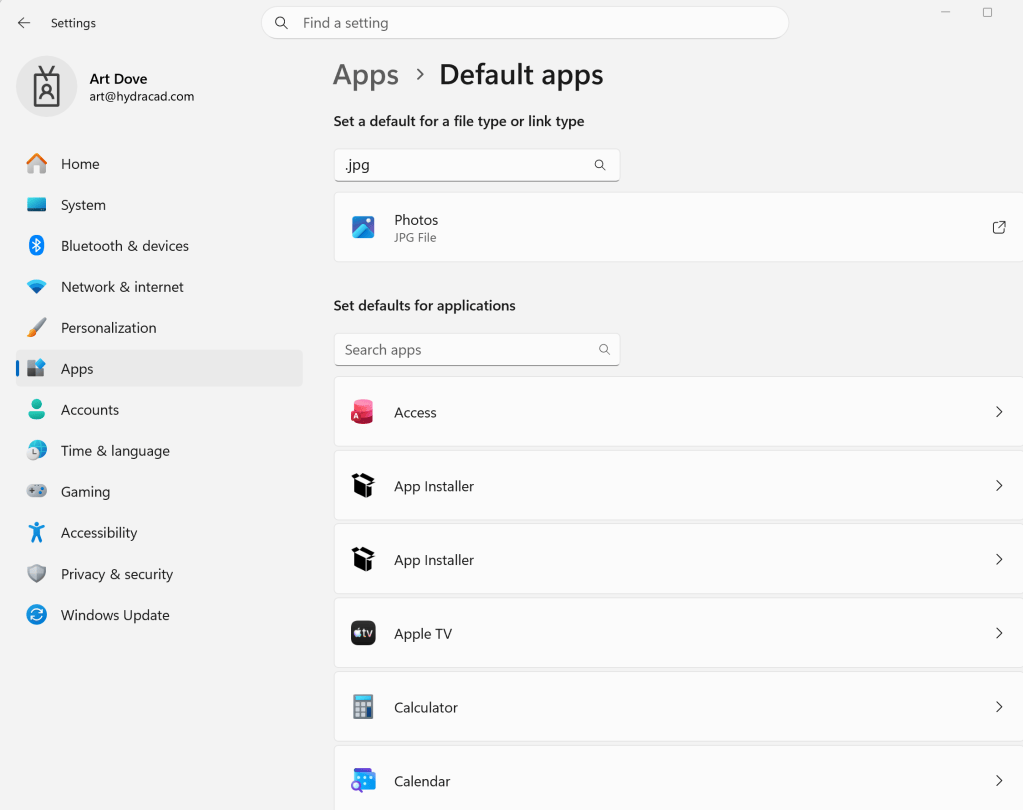
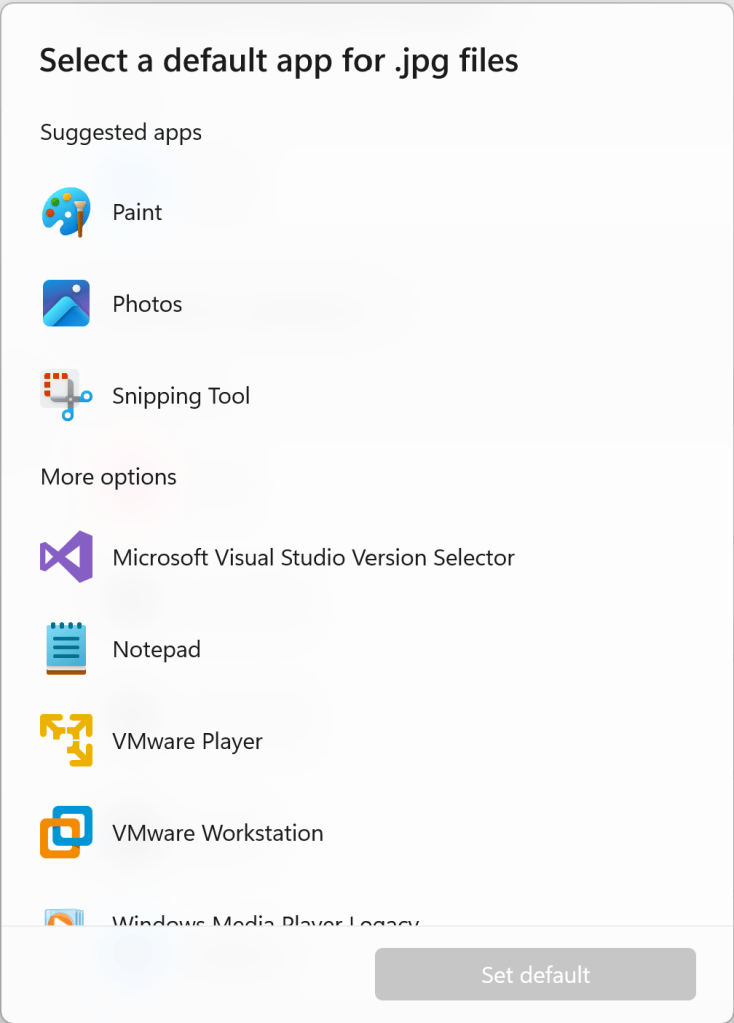
I had a customer contact me today because he was unable to use any of the internet spawning commands in HydraCAD including Send an Email to Hydratec, Hydratec Website and Hydratec Support Blog (this blog). The cause of his problem was that a browser was not associated with HTML files. Instead, some other program was.

This can be fixed by tweaking the registry, but there is a more friendly, safer way to do it:

  1. Go into Control Panel
  2. Pick Default Programs
  3. Pick Associate a file type or protocol with a program

4

    4. Pick HTML (for example) from the list that displays (above). This make take a while on a computer with a lot of program on it
    5. Pick Change program
    6. Pick the program you want from either the list supplied, or, if you don't see the one you want, use the Browse button and hunt for the .exe file of the application you want


Posted in ,

Leave a comment