

Grips, IMHO, are the best thing AutoCAD ever added to their program. When they first came out, everyone freaked out (myself included) and we turned them off until we got a better, um, grip on them.
Many (most?) people use grips to move a single object. But, they can be handy to use many objects at once, too.
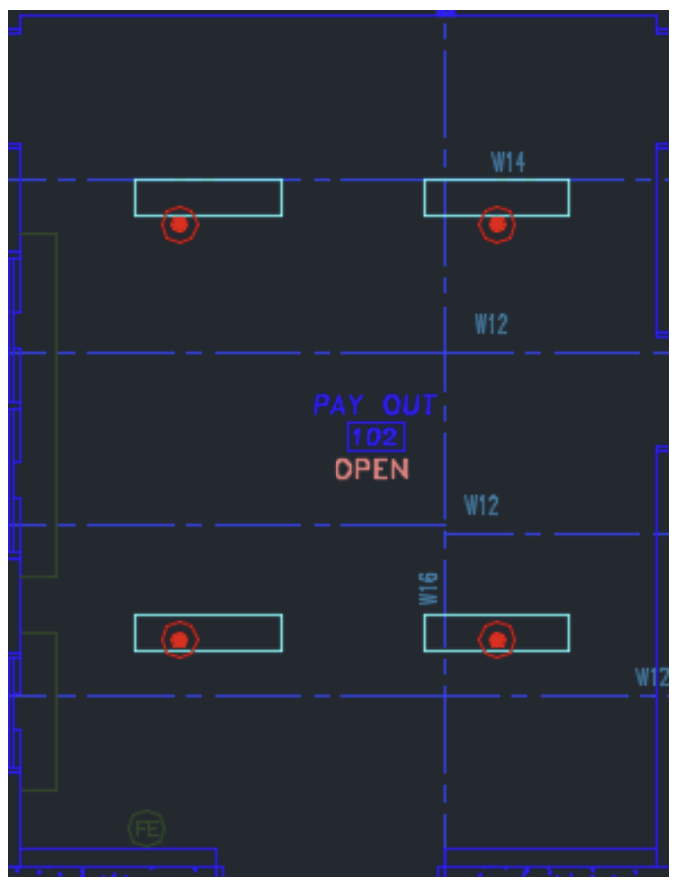
Look at the image below. All four heads are amongst lights, and I want to move them all down 16 inches:
Pick each item to highlight it:
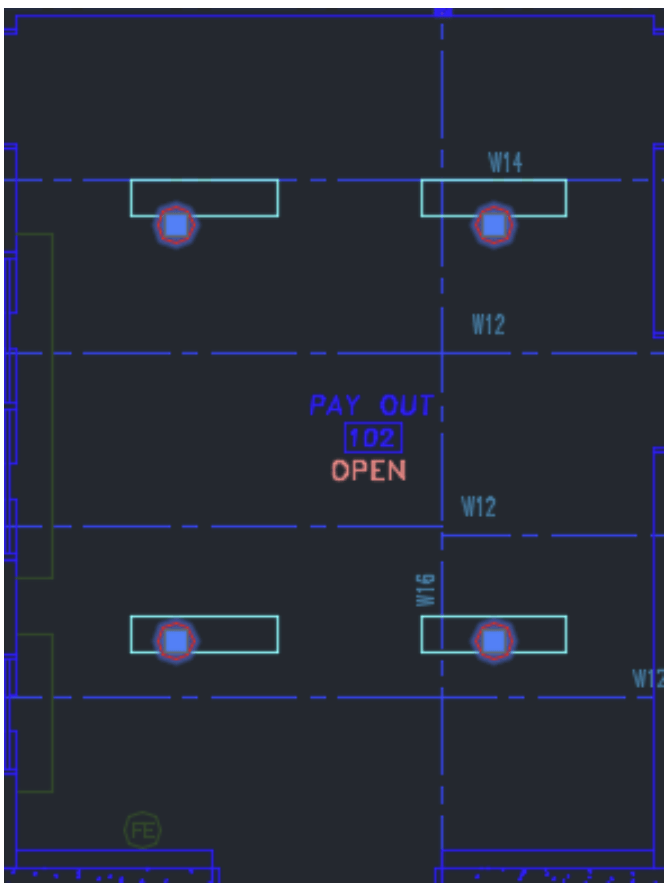
Now, hold the SHIFT key down and select each of the four grips, then release the SHIFT key:
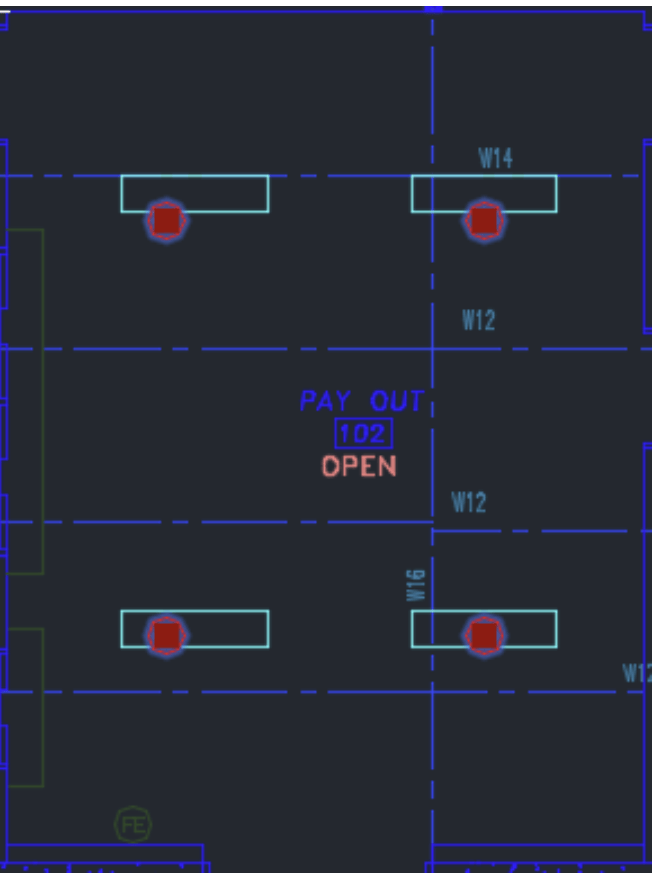
This makes each grip be a ‘hot’ grip. You can now pick any one of them to move all four items at once:
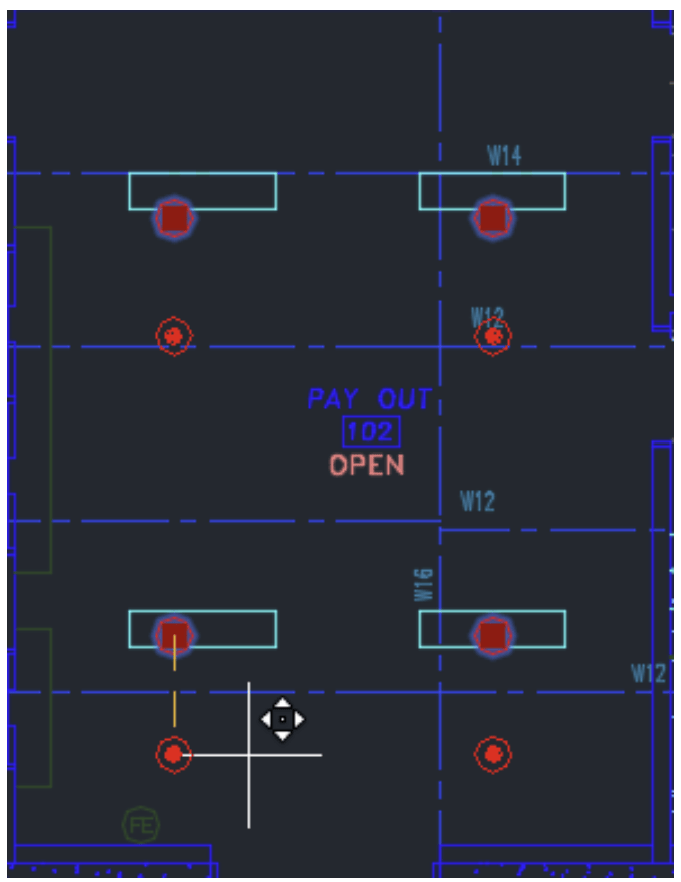
Wih ORTHO on, I point down and type in 16 and press enter to move the heads that distance
Try it out!
 The H-Factor
Leave a comment