

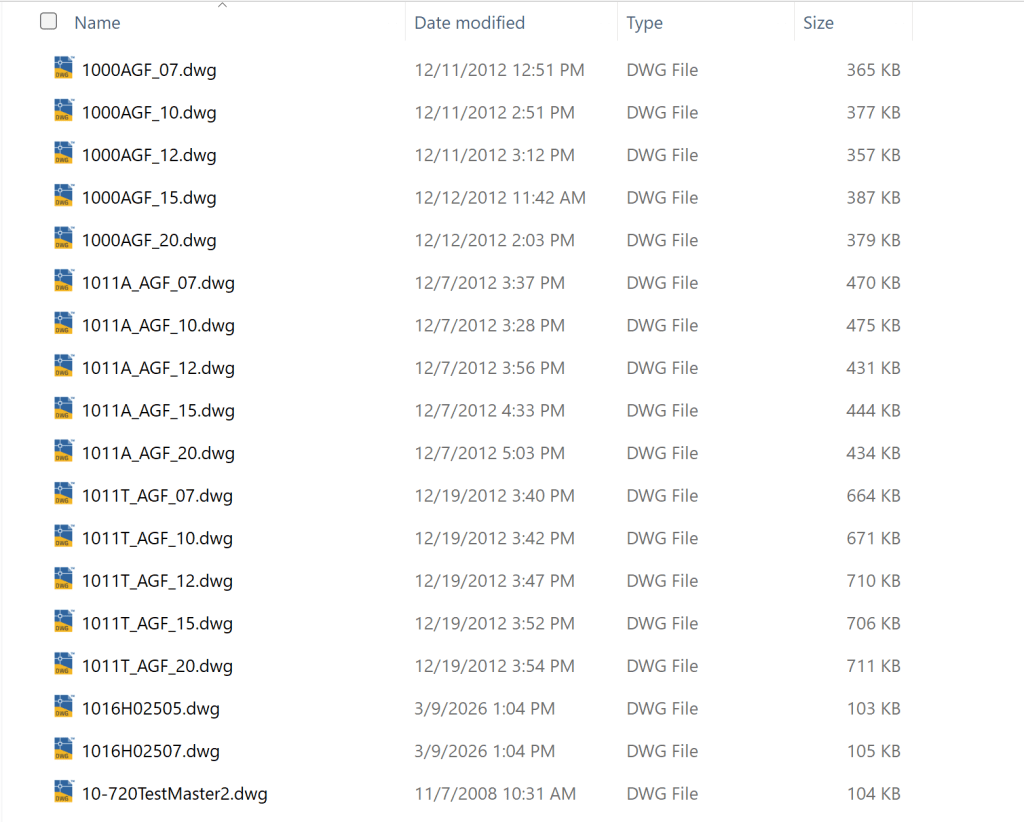
This one has driven me crazy for years, and today I had enough of it! I am trying to work with the many 3D Fittings we have, but Windows Explorer does not display numerically-named files in the ‘proper’ order. See below:
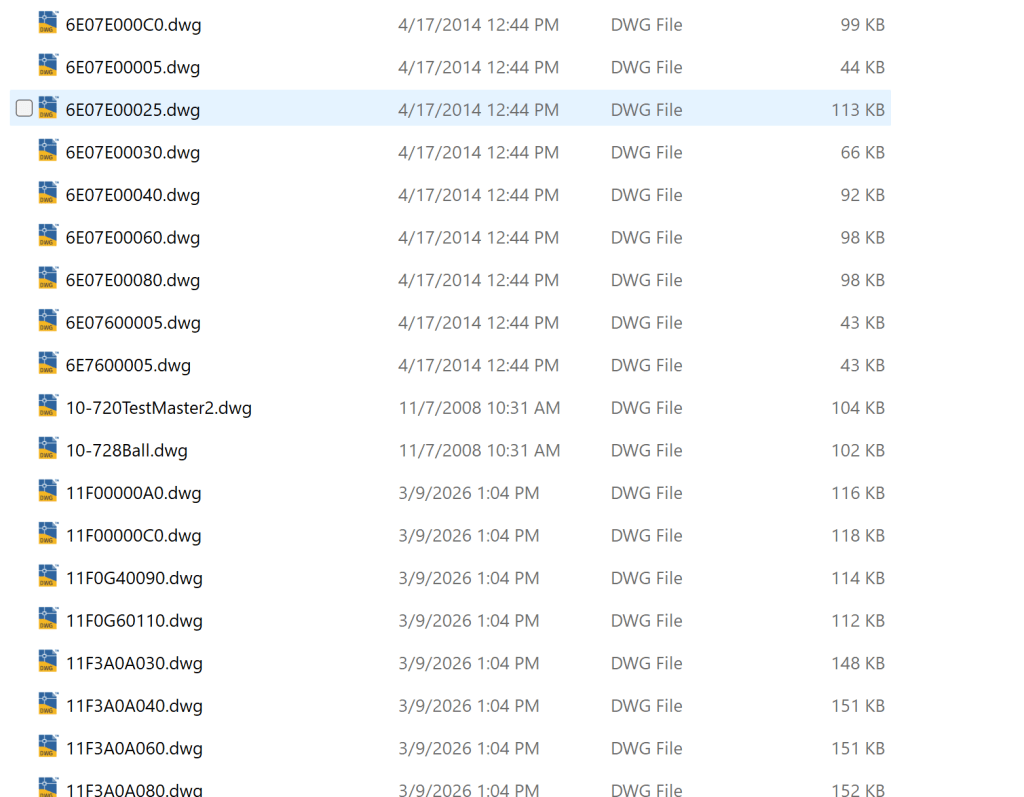
The files named 10…. are displayed AFTER the files named 6E……., and this pattern is repeated further on down this folder (which has thousands of files) again and again. File names ascend going down the page, and then you’ll find ones that should have been listed before those.
This is how to set that right: (Note: You will need to have Admin rights to do this)
At the Windows Search bar, type in Edit Group Policy. Select that app to open it.
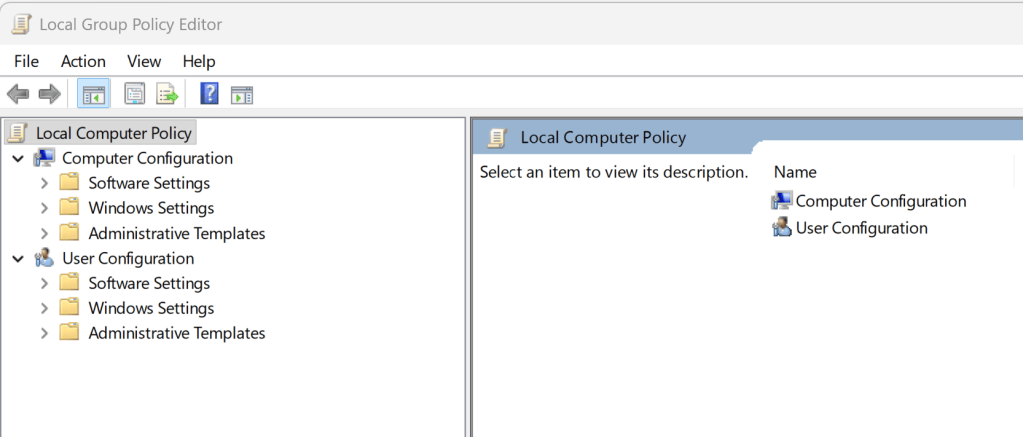
Then, pick Computer Configuration>Administrative Templates>Windows Components>File Explorer
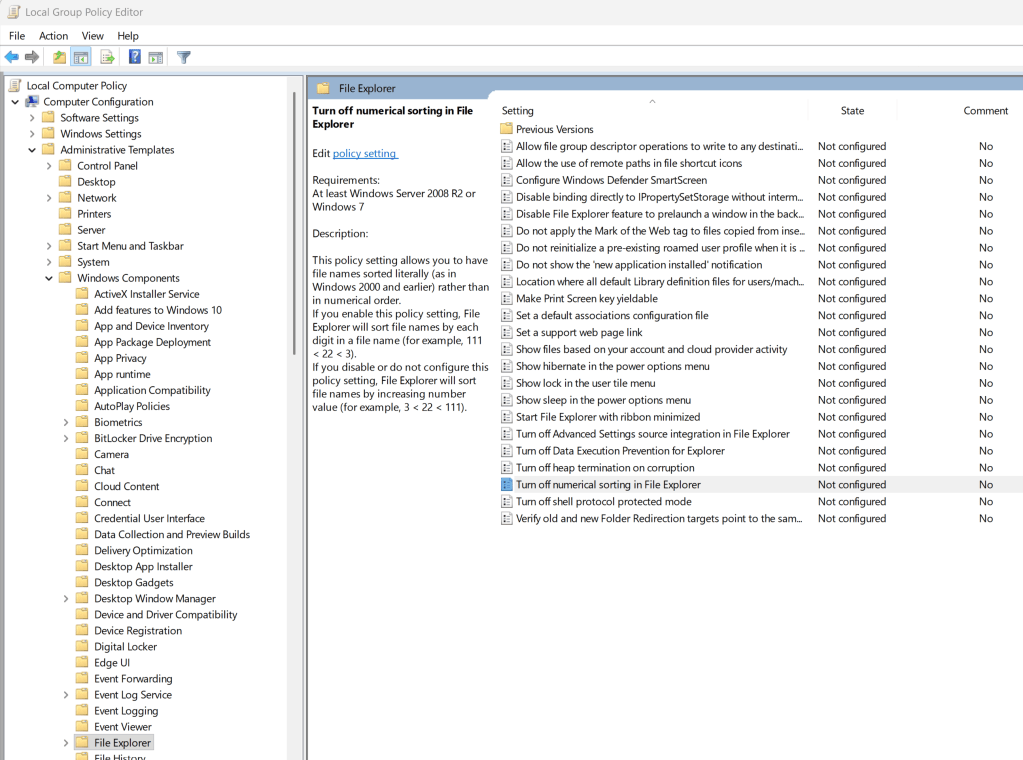
Double-Click on Turn off numerical sorting in File Explorer
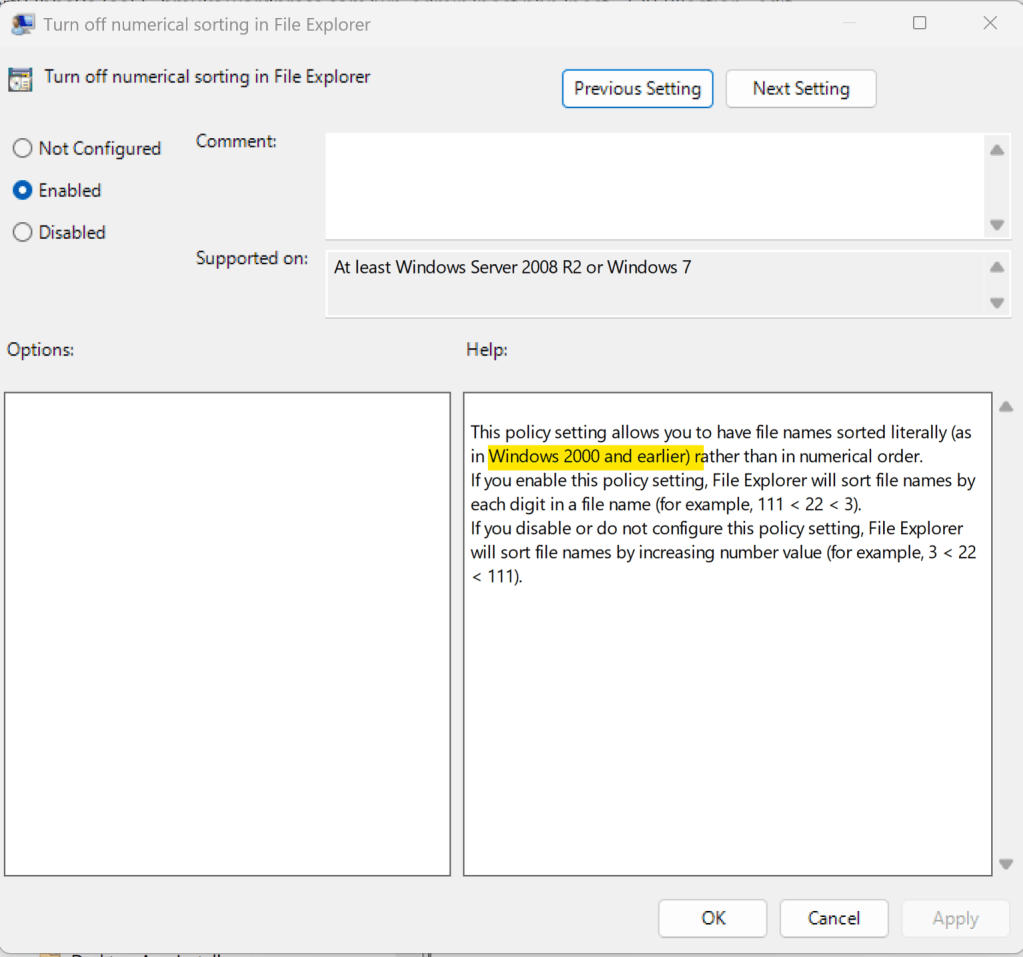
Set it to Enabled and pick OK. Now you will see them in the proper order (referred to as ‘literally, here). No need to reboot. you can even have Explorer open when you do this. Just pick the Name column header and they will sort right the first time.


Leave a Reply