

Way back in the olden days of 2014 I wrote a blog entry on BIM LOD. Sometime between then and now they snuck in a BIM Level 350, so I figured it was time to revisit this topic.
From www.united-bim.com
In the current context, there are six different levels of development that are defined by the American Institute of Architects (AIA). According to AIA, LOD outlines the design requirements at each stage.”
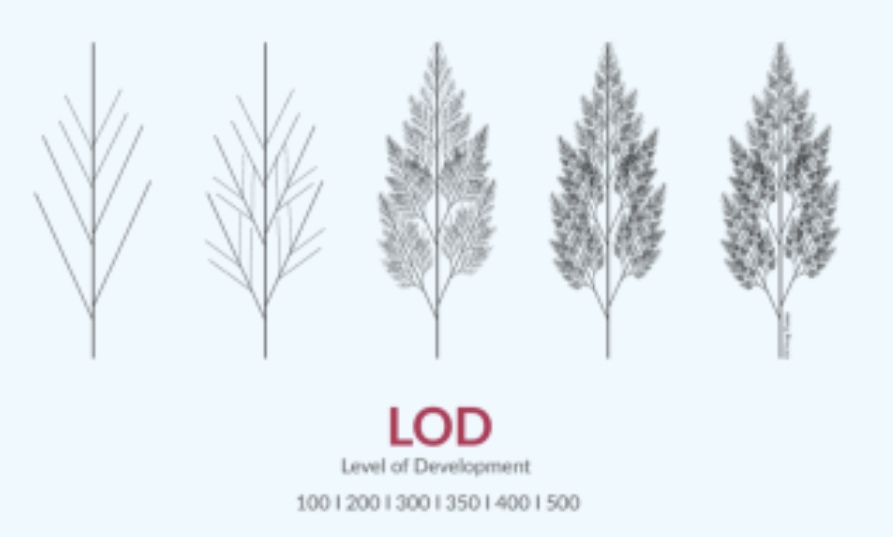
(even their nice picture doesn’t show six levels)
At LOD 100, which is the pre-design stage, the model consists of 2D symbols and the masses to signify an element’s existence.
At LOD 200, the elements are partially defined by outlining their approximate quantity, size, shape, and location.
By LOD 300, the elements are defined with exact dimensions and their relative positions bolstering precision.
LOD 350 describes the information about an element precisely and outlines an element’s relation and connection with other components.
LOD 400 outlines the basic information about the construction of various elements.
LOD 500, the model begins representing the real-life functions of elements in a real building.
There is a table of examples on their page as well..
Here’s where our software and it’s related applications fit in:
LOD 300
This is your standard AutoCAD / HydraCAD drawing. This is also what Navisworks fits into. And, if you export a HydraCAD drawing to Navis Manage model, it is a precisely drawn model (like the HydraCAD for AutoCAD drawing is) and is defined using exact dimensions, but information is only stored in a few elements
LOD 350
This is your standard HydraCAD for Revit model. Each element has information about the manufacturer, type of fitting, schedule, finish, material, or the like. It also covers Revit models that are generated automatically from HydraCAD for AutoCAD, but you may need to add additional information to some of the elements depending on what the BIM manager wants to see
PS –
LOD 100 is your basic pen and pencil estimate sketch
LOD 200 is that estimate sketch done in HydraCAD for AutoCAD of even done using Sketch-it or another simple sketch program. It just means that things kind of look like what they are and there is a parts schedule or count
LOD 400 models include all the instructions needed to fabricate and assemble particular elements, even the building
LOD 500 is not used at this time
Here’s hoping they don’t invent a BIM LOD 375…
 The H-Factor
Leave a comment