

A customer we were training recently wanted to know how to create 3/8 and 5/8 fractions for use in hanger details. The wanted to know if we have those in our fonts. We do not. However, AutoCAD can automatically generate those, and any other fraction you can dream up, using the MTEXT command (not TEXT).
If you start the TEXT command, and enter 3/8, that is just what you will get:

But, if you start the MTEXT command and type in 3/8, this happens automatically:

Start the MTEXT command and type in 3#8 (instead of 3/8). This will produce the following:
But what if you want a diagonal fraction, not a horizontal one? There is a way to do that, too!

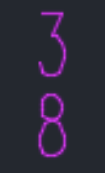
You can even create them without the slash at all. Type in 3^8 and you will get:
If you want to make the formatting permanent, AutoCAD has something for that as well.
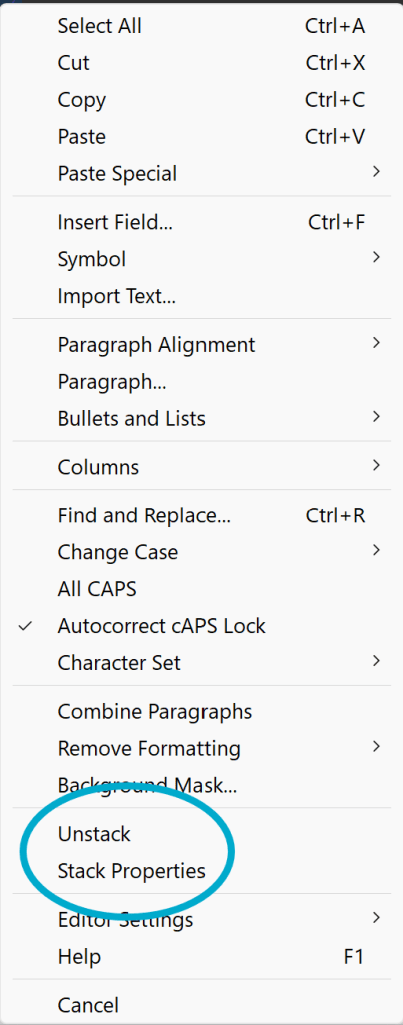
Highlight the stacked fraction within the MTEXT – You can double click the text to be put into edit mode. Then, select the fraction and right click or double click. Pick the Stack Properties menu item.
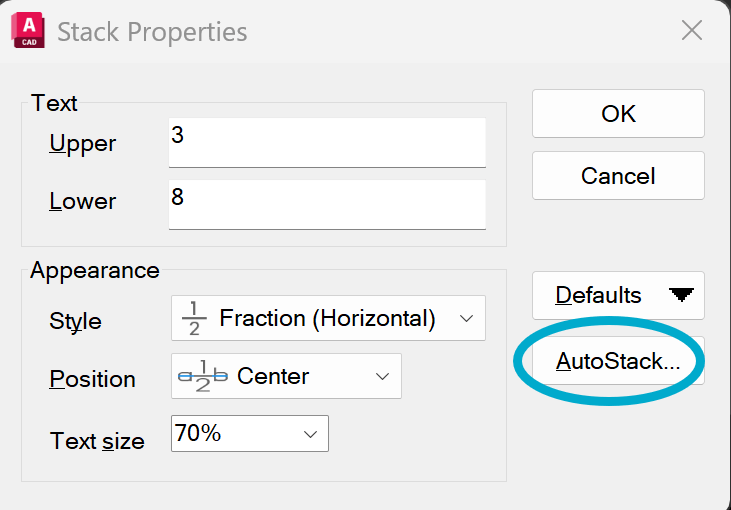
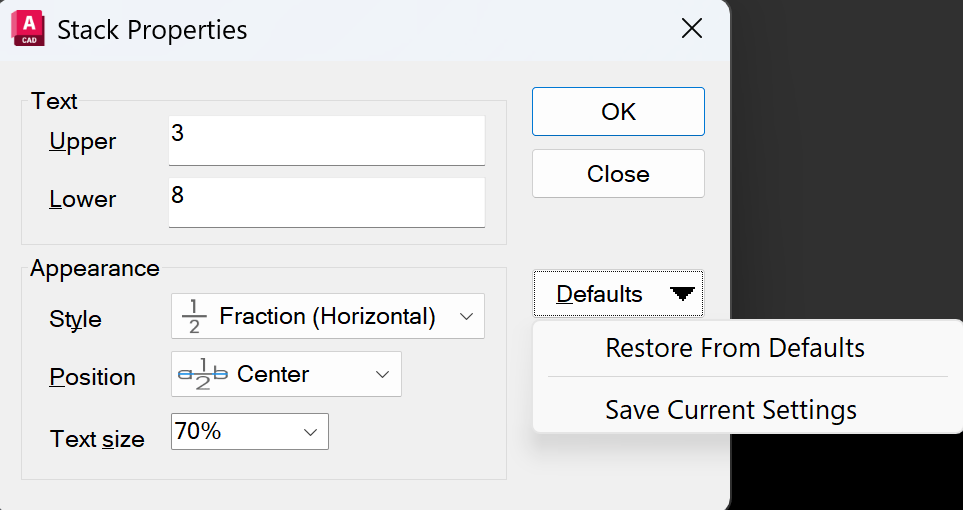
This will give you access to the Stack Properties dialog box, where there are more options than you probably ever wanted to know about:
If you pick the AutoStack button, you will be able to change the default behavior to a diagonal slash, among other things
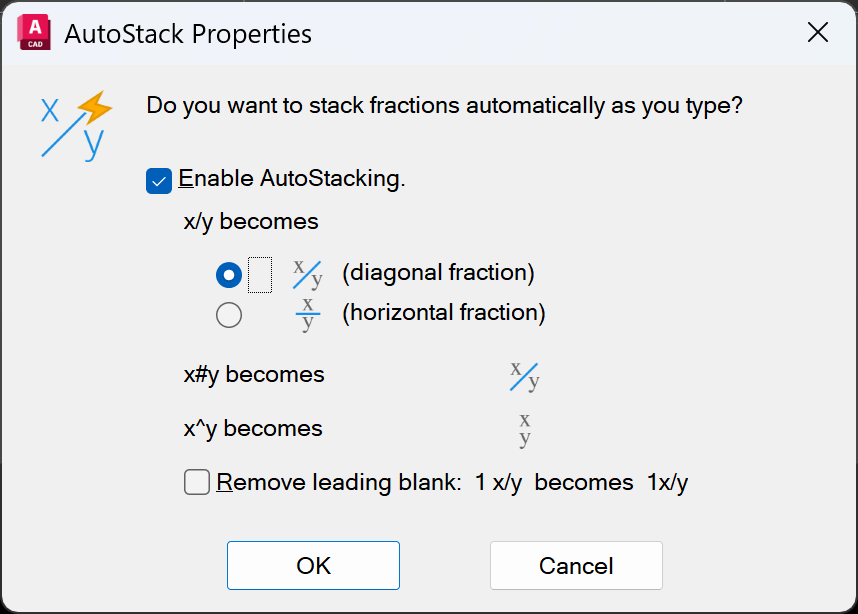
Pick OK when done, set other things how you like them, pick Defaults and Save Current Settings.
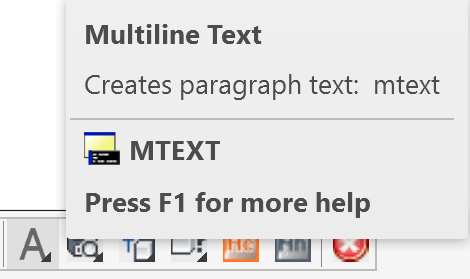
FYI – You can start the MTEXT command either typing MT in or using the MTEXT button on our HydraCAD Utility toolbar
 The H-Factor
Leave a comment